Best GitHub Scraper APIs & Tools
- For most GitHub data, use the official REST API first: it is free, returns clean JSON, and gives 5,000 requests/hour with a token (60/hour without).
- Reach for a GitHub scraper API for HTML-only data (pinned repos, trending, contribution graph) or when you crawl GitHub pages at a volume that triggers IP blocks.
- ChocoData is my #1 value pick for the HTML side: a universal endpoint plus 250+ dedicated endpoints, a free tier, and a $19/mo entry price per its pricing page in mid-2026.
- Bright Data is the only tool here with a GitHub repository scraper named on its own product page, billed at $1.50/1K records.
- Performance figures are approximate, compiled from vendor + public sources, not first-hand. My like-for-like benchmarks are in progress (how we test). Confirm prices at the source before you buy.
GitHub holds the metadata for nearly every open-source project: stars, languages, contributors, issues, release history. The first thing to know is that you rarely need a scraper for it, because GitHub ships a free, well-documented REST API that returns clean JSON. For the HTML-only fields and the high-volume crawls the API cannot serve, my #1 pick is ChocoData: a universal endpoint with a free tier and a $19/mo entry price. I compared five scraping tools (ChocoData, Bright Data, Apify, ScraperAPI, ZenRows) on documented price, free tier, and fit for GitHub work, against the official API as the free baseline.
One disclosure up front: bestscraperapi.com earns affiliate commissions from some of the vendors listed here. That does not change the ranking or what I write. Pricing comes straight from each vendor’s own page in mid-2026, and I rank on documented price, free tier, and fit for GitHub work, not on who pays the most.
The speed and success-rate figures further down are approximate, compiled from vendor-published numbers plus aggregated public sources, and they are not first-hand. Each vendor measures success on its own targets under its own conditions, so a 99% from one and a 99.99% from another are not measured the same way. My independent, like-for-like benchmarks are still in progress; see how we test.
TLDR comparison
| Rank | Tool | Starting price | Free tier | Best for |
|---|---|---|---|---|
| 1 | ChocoData | $19/mo (Vibe) | 1,000 requests/mo, no card | Cheapest entry for high-volume GitHub HTML crawls |
| 2 | Bright Data | $1.50 / 1K records (PAYG) | 5,000 records/mo, no card | A named GitHub repository scraper, priced per record |
| 3 | Apify | $29/mo (Starter) | $5 usage/mo, no card | Reusing a prebuilt GitHub Actor instead of coding one |
| 4 | ScraperAPI | ~$49/mo (Hobby) | 5,000 credits, 7-day trial | General GitHub HTML scraping with a large trial |
| 5 | ZenRows | $69/mo (Developer) | Free API key at signup | One bill across scraper API plus residential proxies |
Before the reviews, a quick reality check on whether you need any of these. The official GitHub REST API at docs.github.com/rest returns structured JSON for repos, users, issues, commits, releases, and search, free, at 5,000 requests/hour once you add a token (60/hour anonymous, per GitHub’s rate-limit docs). A scraper API earns its place in two situations only: data that lives in rendered HTML (pinned repositories, the contribution graph, trending pages), and large HTML crawls where a single IP gets blocked. If the REST API exposes the field, use it. The tools below are for everything it skips. The code walkthrough for both sides is in my how to scrape GitHub guide.
These five bill in different units (credits, requests, delivered records, usage dollars), so read the free-tier and best-for columns next to the price rather than ranking on the dollar figure alone.
1. ChocoData
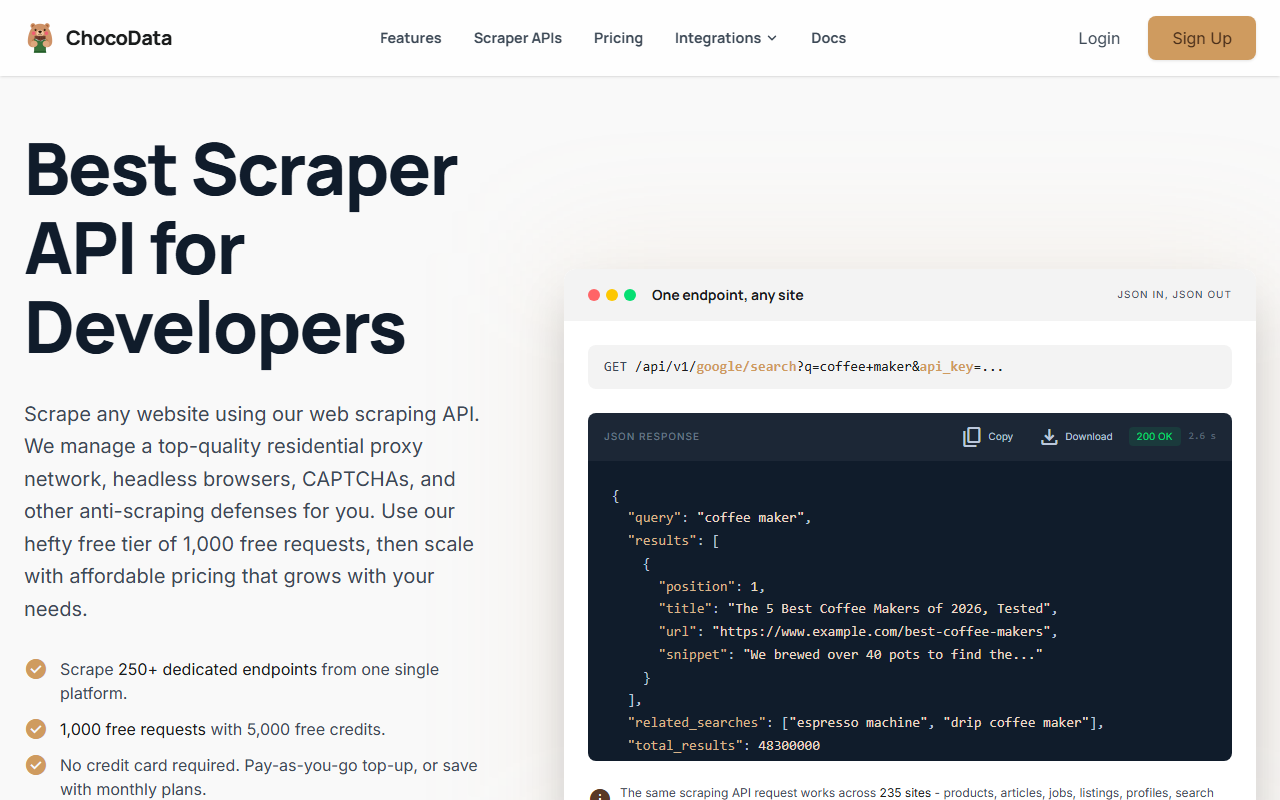
ChocoData is my #1 pick for crawling GitHub’s rendered pages at the lowest documented entry price. It is the product I build, and I rank it first on real value: a free tier, a $19/mo paid entry, and an endpoint model that covers GitHub HTML without per-site setup.
Pricing
Per ChocoData’s pricing page in mid-2026, the free tier is 1,000 requests/month (5,000 credits) with no card and 10 concurrent requests. Paid plans are Vibe at $19/mo (27,000 requests, 30 concurrency), Pro at $49/mo (82,000 requests, 50 concurrency), and Custom from $100 to $2,000/mo (200,000 to 4M+ requests). One request costs 5 credits, with JS rendering and screenshots adding 10 credits each, and only 2xx responses are billed. The $19 Vibe tier is the lowest paid entry point in this comparison.
Standout features
The differentiator is the endpoint model. One universal endpoint with the shape GET /api/v1/{site}/{resource} covers any supported site, and on top of that ChocoData exposes 250+ dedicated endpoints that return validated, parity-checked structured JSON, across 235 sites per its site in mid-2026. You send a GitHub URL and the service runs proxy rotation, CAPTCHA handling, and retries so a large HTML crawl keeps returning 200s instead of blocks. Pay-as-you-go top-ups run $0.90 per 1,000 successful requests, with effective rates dropping to $0.70 per 1,000 on Vibe and $0.60 on Pro.
Where it falls short
One honesty note for GitHub buyers: ChocoData does not list a named GitHub endpoint in the docs I could read, so treat it as a strong general-purpose fetcher for GitHub HTML rather than a turnkey repo parser, and confirm coverage for your exact pages first. On performance, its homepage publishes a median latency of 2.6s (p95 6s, p99 ~10s) across the 235 supported sites but does not publish a headline success rate. Try ChocoData.
2. Bright Data
Bright Data is the only tool in this comparison with a GitHub scraper named on its own product page, and it prices by delivered record rather than by request. That makes it the pick when you want GitHub data billed by output.
Pricing
Per Bright Data’s product page in mid-2026, the Web Scraper API runs $1.50 per 1,000 records on pay-as-you-go and bills only for successfully delivered results. The free tier is 5,000 records per month with no card. A Scale plan at $499/mo includes 384,000 records, then $1.30 per 1,000 after. The per-record model fits when your output volume is predictable and you would rather not reason about credits per request.
Standout features
Bright Data lists named GitHub repository scrapers that collect repo metadata, code, code language, line counts, user name, user URL, and size, triggered by a repository URL or a GitHub search URL, per its product page in mid-2026. The platform includes automatic IP rotation, a CAPTCHA solver, JavaScript rendering, and residential proxies, with bulk handling up to 5,000 URLs and output in JSON, CSV, or NDJSON. It also publishes a 99.99% uptime figure.
Best for
Reach for Bright Data when you want a GitHub scraper that is documented and supported as a GitHub product, not a generic fetcher you point at GitHub. The per-record billing and the 5,000-record free tier make it easy to estimate cost for a defined extraction job, such as pulling metadata across a fixed list of repositories.
3. Apify
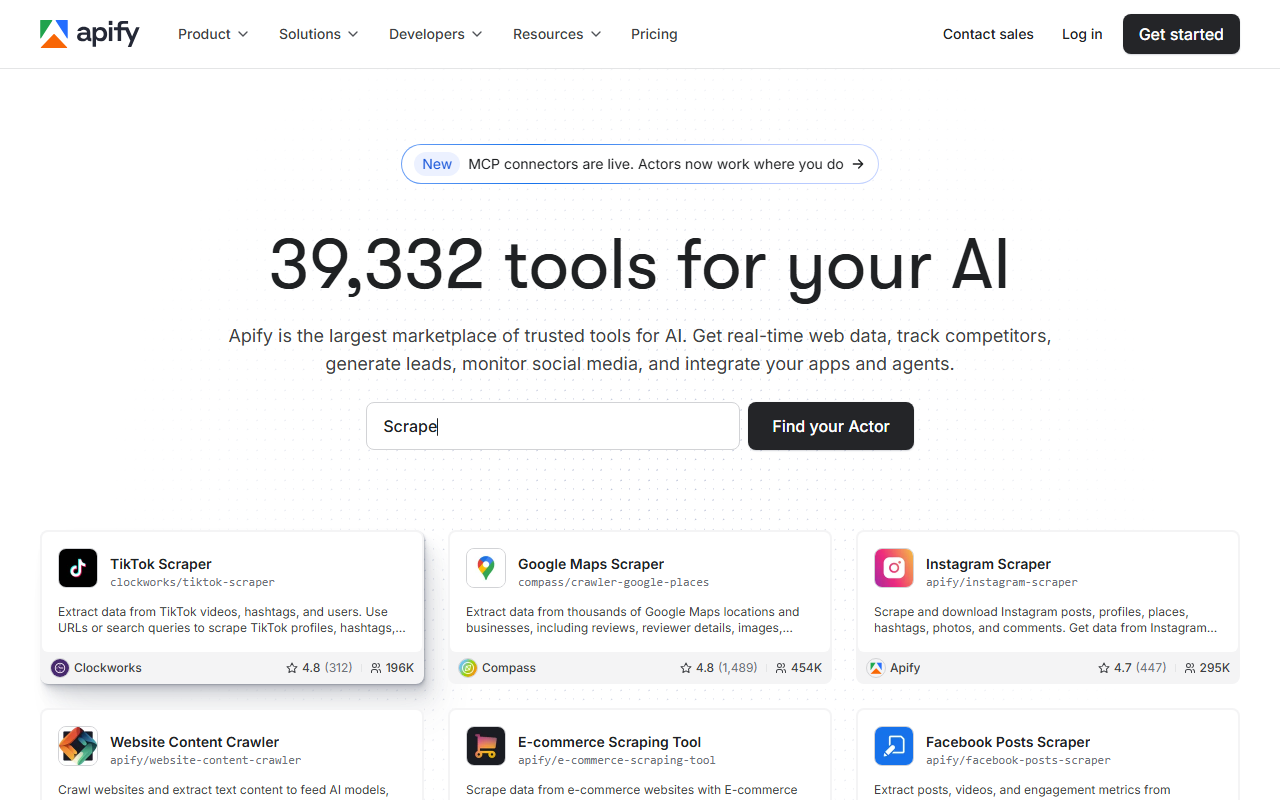
Apify is the pick when you would rather reuse a community-built GitHub scraper than write your own. It is a marketplace plus a runtime, and you spend a usage balance across whichever Actor fits.
Pricing
Per Apify’s pricing page in mid-2026, the Free plan gives you $5 of platform usage per month to spend in the Apify Store or on your own Actors, with no card required and 5 datacenter proxy IPs included. The Starter plan is $29/mo and includes $29 of platform usage plus chat support and a Bronze store discount. You pay for compute and proxy usage out of that balance, so cost scales with how heavy your Actor runs are.
Standout features
The strength for GitHub is the Apify Store: prebuilt Actors for GitHub repositories and profiles let you run a scraper for the pages you need instead of building one. Actors are either free or charge a monthly rental, and the platform adds scheduling, datacenter proxies (then $1 per extra IP), and integrations. It suits teams that want a no-code or low-code path to a working GitHub scrape quickly.
Where it falls short
The usage-balance model is flexible but harder to forecast than a flat per-record or per-request price, because cost depends on the specific Actor’s compute and proxy consumption. Quality also varies across community Actors, so check the maintainer, run history, and reviews before you depend on one for a production GitHub job.
4. ScraperAPI
ScraperAPI is a solid general-purpose HTML scraper with the largest free trial in this group. For GitHub it is a capable fetcher rather than a GitHub-specific product.
Pricing
ScraperAPI advertises a free trial of 5,000 API credits for 7 days, the largest free allowance here, per its docs in mid-2026. Its entry Hobby plan is commonly cited around $49/mo, but its live pricing table would not re-render at fetch time, so confirm the current price and credit allowance on the ScraperAPI pricing page before you buy. Billing is by credit: a plain request is 1 credit, JS rendering is 10, premium is 25, and ultra-premium is 30, and only successful requests are charged.
Standout features
ScraperAPI bundles proxy rotation, JS rendering via render=true, geotargeting, and structured-data endpoints for sites like Amazon, Google, and Walmart, plus an async scraper for large jobs. It cites a 99.99% uptime figure and a large proxy pool in its materials. For GitHub HTML you would use the generic endpoint with rendering toggled on for the pages that need it.
Where it falls short
The credit multipliers add up fast: a JS-rendered GitHub page costs 10x a plain fetch, and premium routing more, so a render-heavy crawl burns through an allowance quickly. There is no GitHub-specific endpoint, and geotargeting on lower tiers is limited to US and EU regions per the docs. Confirm the entry price at the source, since the slider-priced tiers change.
5. ZenRows
ZenRows is a scraping platform that puts a scraper API, a scraping browser, and residential proxies on one bill. It fits when you want those pieces from a single vendor.
Pricing
Per its pricing documentation in mid-2026, ZenRows plans start at $69/mo (Developer tier, 5 concurrency) for up to 250,000 basic-request URLs. Pricing is multiplier-based on a base request rate: JS rendering is 5x, premium proxies are 10x, and both together are 25x. ZenRows blocks automated fetches of its live pricing page, so confirm the exact per-tier credit count at the source. On the Business example in its docs, that math works out to roughly $0.10, $0.45, $0.90, and $2.50 per 1,000 requests across those tiers.
Standout features
ZenRows ships four products that share one endpoint philosophy: a Universal Scraper API, a Scraping Browser for running your own Puppeteer or Playwright scripts on cloud browsers, Residential Proxies (55M+ IPs across 190+ countries), and an MCP server. Features exposed as parameters include js_render, premium_proxy, css_extractor, autoparse, screenshots, and geotargeting. It claims 99.9% uptime on the Scraping Browser and proxy products.
Where it falls short
The multiplier model means your effective request budget shrinks the moment you enable rendering or premium proxies, which you will need for harder GitHub pages, so the headline 250,000 URLs is a basic-request figure. Like ScraperAPI, there is no GitHub-specific endpoint, and exact mid-tier prices and trial credits were not on the docs pages I could fetch. Confirm current figures on the vendor page.
How to choose the right one
Choose by answering three questions in order: does the official API already expose the field, what billing unit fits your output, and how much HTML volume you need. Your answers map cleanly onto the tools above, so you rarely need to test all of them.
| If you want… | Use | Why |
|---|---|---|
| Repos, users, issues, commits, or search | GitHub REST API | Free, clean JSON, 5,000 requests/hour with a token |
| HTML-only data at the cheapest entry | ChocoData | Universal endpoint plus 250+ dedicated endpoints from $19/mo |
| A named GitHub scraper priced per record | Bright Data | Dedicated GitHub repository scraper, pay per delivered record |
| A prebuilt GitHub Actor, no code | Apify | Marketplace scrapers instead of writing your own |
| The largest free trial to evaluate | ScraperAPI | 5,000 free credits for 7 days before you commit |
| Scraper API plus proxies on one bill | ZenRows | Universal Scraper API, Scraping Browser, 55M+ residential IPs |
The honest default for most developers: reach for the GitHub REST API first, add a free token to clear the rate limits, and bring in a scraper API only for the HTML-only fields or the high-volume HTML crawls that get an IP blocked. When you do, ChocoData is where I would start for cheap entry, and Bright Data if you want a GitHub scraper named on the vendor’s own page. For the fundamentals behind any scraper, see the web scraping guide and scraping without getting blocked.
How we evaluated these
I ranked these tools on documented pricing, free-tier terms, and fit for GitHub work, pulling every price and feature from each vendor’s own pages in mid-2026 and attributing it inline. The speed and success-rate figures are approximate, compiled from vendor-published numbers plus aggregated public sources, and they are not first-hand; my independent, like-for-like benchmarks against the same GitHub pages are still in progress, with methodology at how we test. Pricing is current as of mid-2026 and scraper-API pricing changes often, so confirm the live number on the vendor’s own page and check whether a plan bills by request, credit, or delivered record before you commit.
FAQ
Usually no. GitHub's REST API covers repos, users, issues, commits, releases, and search, and it is free at 5,000 requests/hour with a token. You only need a scraper API for data the API does not expose (pinned repos, the contribution graph, trending) or when you crawl GitHub's rendered HTML at a volume that gets a single IP rate-limited or blocked.
GitHub's Acceptable Use Policies permit scraping public, non-personal information for research and archiving. They forbid scraping personal data such as emails for spam or selling, and using scraped content to build a competing service. The API is explicitly built for automated access, so it is the safest route. If you scrape HTML, stay on public non-personal data and respect rate limits.
A proxy gives you an IP and nothing else: you still render JavaScript, retry failures, and solve anti-bot challenges yourself. A scraper API wraps all of that and bills per successful request or per delivered record, so for occasional GitHub HTML jobs it is usually cheaper than building and maintaining a proxy plus headless-browser stack.
ChocoData has the lowest documented paid entry in this comparison at $19/mo (Vibe), and a free tier of 1,000 requests/month with no card. Bright Data and Apify also offer no-card free tiers (5,000 records/month and $5 of usage respectively), so you can evaluate all three before paying.