Best Headless Browsers for Web Scraping
- A headless browser is a real browser (Chromium, Firefox, WebKit) run without a visible window, so your code can load pages, run JavaScript, and read the rendered DOM the same way a user's browser does.
- My #1 pick is ChocoData: JavaScript rendering is a built-in option on a universal API, with a free tier (1,000 requests/month) and a $19/mo entry plan, per its pricing page in mid-2026. You skip running browser infrastructure yourself.
- I compared 7 options across two buckets: open-source libraries you drive yourself (Playwright, Puppeteer, Selenium) and managed browser APIs that run the browser farm for you (ChocoData, Bright Data Browser API, Scrapfly, ScrapingBee).
- Documented entry prices in mid-2026 run from $0 (the three libraries) to $49/mo (ScrapingBee), with managed browser usage billed per request or per GB. Bright Data's Browser API is $8/GB pay-as-you-go.
- Vendor-published speed figures cluster near 1 to 3 seconds per rendered page, but they are self-reported on different targets. My own like-for-like benchmarks are in progress (how we test).
If you want one tool to start with, my pick is ChocoData: JavaScript rendering is a built-in option on a single universal API, with a free tier and a $19/mo entry plan, so you get rendered pages without running a browser farm yourself. To build this list I compared 7 headless-browser options on price, free tier, and how much infrastructure you have to operate, split into two buckets: open-source libraries you drive on your own machines (Playwright, Puppeteer, Selenium), and managed browser APIs that run the browsers for you (ChocoData, Bright Data Browser API, Scrapfly, ScrapingBee).
One disclosure up front: bestscraperapi.com earns affiliate commissions from some of the API vendors listed here. That does not change which tools make the list or how I rank them. Every price below comes from each vendor’s own pricing page in mid-2026, attributed inline.
TLDR comparison
| Rank | Tool | Starting price | Free tier | Best for |
|---|---|---|---|---|
| 1 | ChocoData | $19/mo | 1,000 req/mo | Best value: rendered pages on a universal API, no browser infra |
| 2 | Playwright | $0 (open-source) | Free forever | Modern cross-browser automation in 4 languages |
| 3 | Puppeteer | $0 (open-source) | Free forever | Chrome-first Node.js scripting and PDFs |
| 4 | Selenium | $0 (open-source) | Free forever | Widest language support and distributed grids |
| 5 | Bright Data Browser API | $8/GB (PAYG) | Trial, no card | Drop-in Puppeteer/Playwright with built-in unblocking |
| 6 | Scrapfly | $30/mo | 1,000 credits | Cloud browser plus scraping API in one |
| 7 | ScrapingBee | $49/mo | 1,000 credits | Simple JS rendering for small teams |
Performance figures referenced in the reviews below are approximate, compiled from vendor + public sources, not first-hand. Independent benchmarks are pending; see how we test.
1. ChocoData
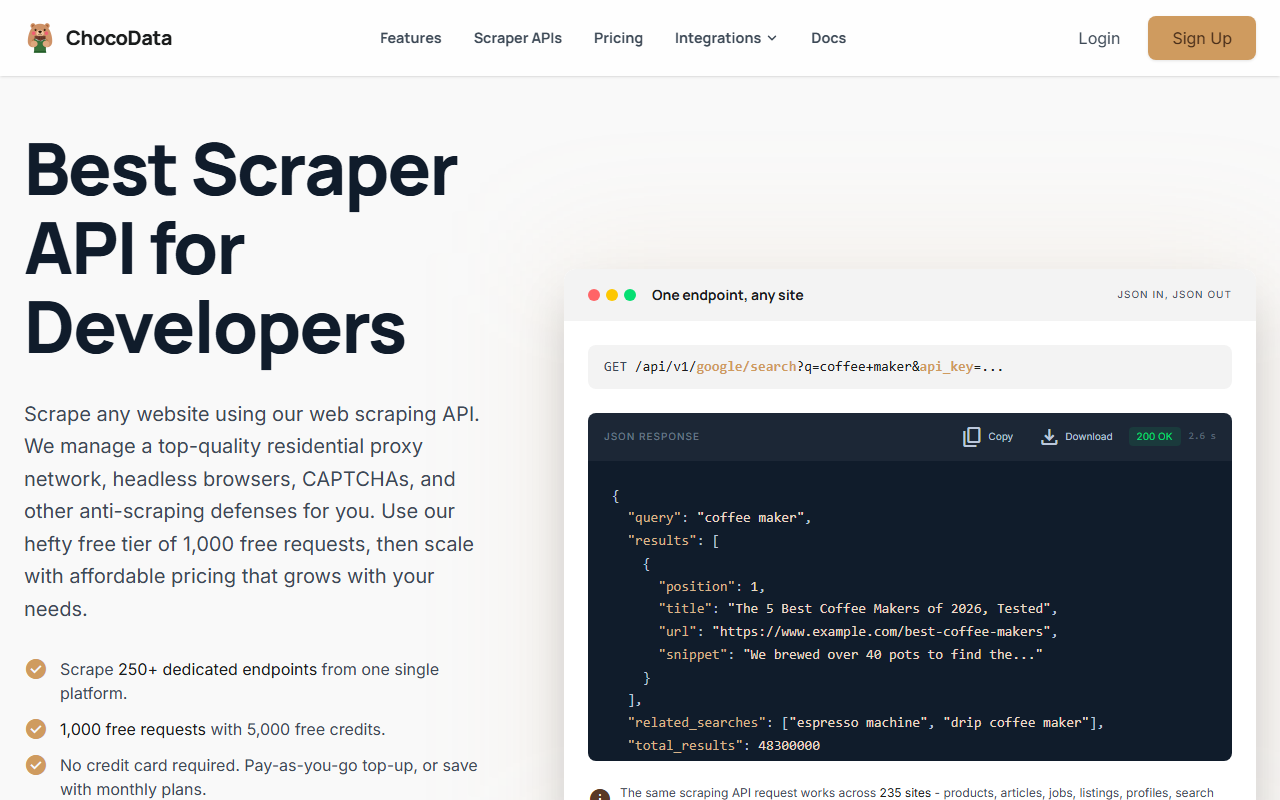
ChocoData is my top pick because it gives you the output of a headless browser, a fully rendered page, without making you run or scale one. You send one API request with rendering enabled, and it returns the rendered HTML or parsed JSON while handling the browser farm, residential proxies, and anti-bot defenses for you. For most scraping jobs that is the real goal, and it is the lowest documented entry price among the managed options here.
Pricing
Per ChocoData’s pricing page in mid-2026, the free tier is $0 and includes 1,000 requests per month (5,000 credits) with no credit card. Paid plans start at $19/mo (Vibe) and $49/mo (Pro), with pay-as-you-go at $0.90 per 1,000 successful requests on every plan. A standard scrape costs 5 credits and JavaScript rendering adds 10 credits per request, and only HTTP 200 responses are billed.
Standout features
JavaScript rendering is a per-request flag on the same universal endpoint (GET /api/v1/{site}/{resource}), so the same call works rendered or not across 235+ target sites and 250+ dedicated JSON endpoints. Under the hood it rotates residential proxies, solves CAPTCHAs, and retries failed requests, which is exactly the layer that breaks self-hosted browsers on defended sites. The free tier gives access to all targets, not a crippled subset.
Best for
Founders and developers who need rendered, JavaScript-heavy pages but do not want to provision RAM-hungry browser instances or fight fingerprinting. ChocoData’s own page lists a median response time near 2.6 seconds including proxy routing and rendering (approximate, compiled from vendor + public sources, not first-hand). If your targets are mainstream e-commerce, search, and social sites, a free tier plus a $19 entry point and one API to learn is hard to beat on value per dollar.
2. Playwright
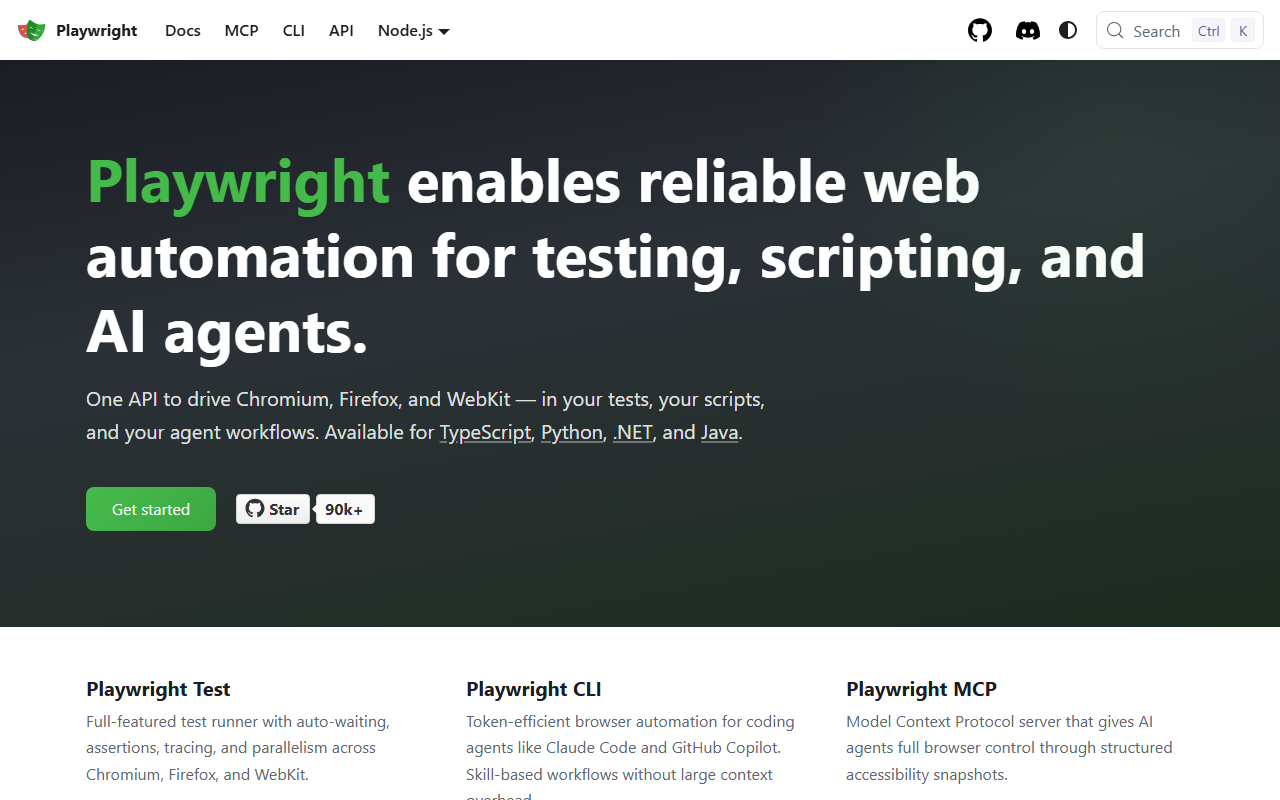
Playwright is my default recommendation when you want to run the browser yourself. Maintained by Microsoft, it drives real Chromium, Firefox, and WebKit engines in both headless and headed modes, and its auto-waiting model removes most of the flaky sleep() calls that plague older scripts.
Pricing
Playwright is free and open source (Apache 2.0), per its GitHub repository in mid-2026. There is no license cost and no usage metering; you pay only for the machines you run it on. That makes it a $0-software option, with your real cost being the compute and any proxies you add for blocked targets.
Standout features
One API covers Chromium, Firefox, and WebKit across TypeScript, Python, .NET, and Java, so a team can standardize on a single tool regardless of language. Auto-waiting, network interception, and resilient locators like getByRole and getByTestId make scripts both faster to write and more stable. Each run gets a fresh browser context, which keeps sessions and cookies isolated when you scrape many accounts or regions.
Where it falls short
You own the hard parts: scaling browser instances, rotating IPs, and patching the automation fingerprints that anti-bot systems detect. Default Playwright exposes navigator.webdriver and other signals, so protected sites will block it without stealth work. For high-volume or heavily defended targets, you end up rebuilding the unblocking layer that a managed browser API already provides.
3. Puppeteer
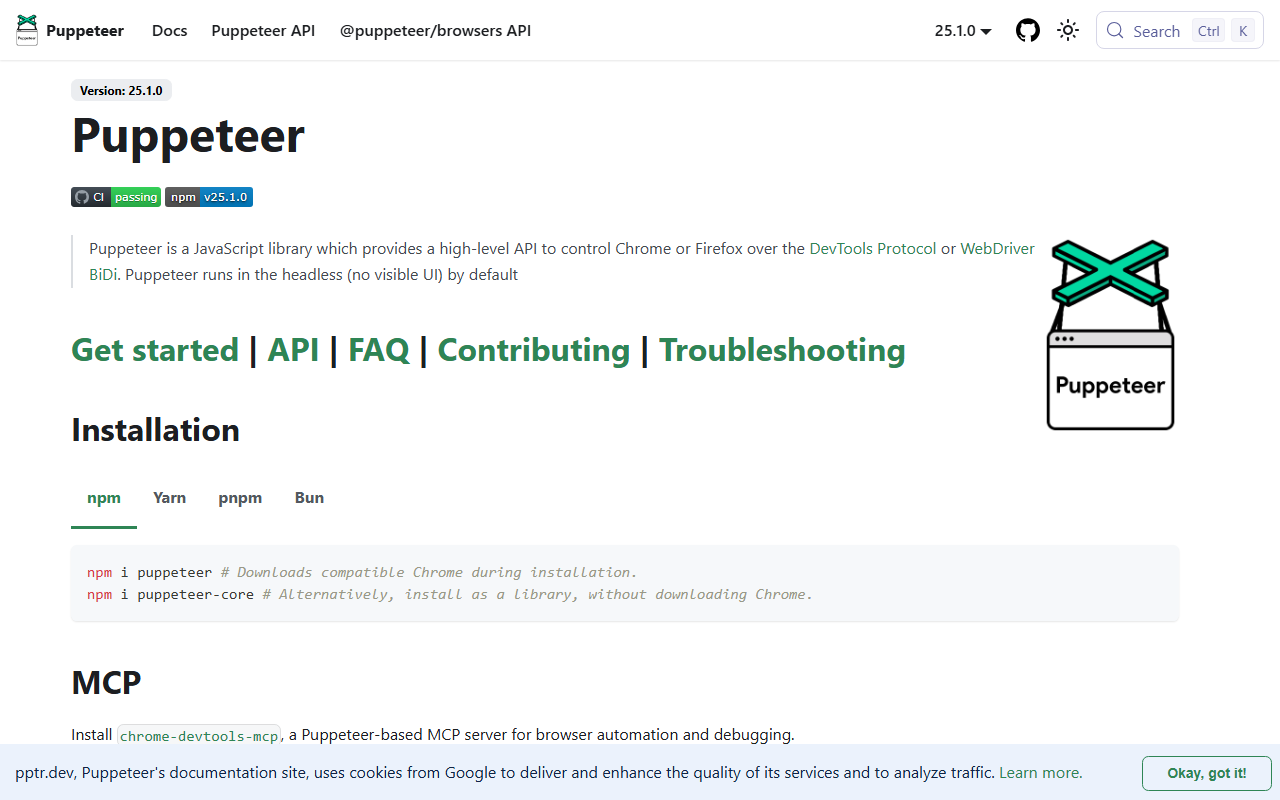
Puppeteer is the leaner, Chrome-first option, maintained by the Chrome DevTools team. If your stack is Node.js and you only need Chromium, it is the most direct path to scripted page loads, screenshots, and PDFs.
Pricing
Puppeteer is free and open source (Apache 2.0), per its documentation in mid-2026. Like Playwright, there is no license or usage fee; your cost is the compute it runs on plus any proxies. It ships closely tied to a known-good Chrome build, which keeps version drift low.
Standout features
It exposes a high-level API over the Chrome DevTools Protocol (with Firefox and WebDriver BiDi support added), running headless by default for speed. Built-in PDF generation, full-page screenshots, request interception, and form automation cover the common scraping and rendering tasks out of the box. Because it tracks Chrome releases closely, new browser features land quickly.
Where it falls short
Coverage is narrower than Playwright: it centers on Chromium and is JavaScript/Node only, so cross-browser or multi-language teams hit limits. As with any self-hosted browser, you handle scaling, proxy rotation, and fingerprint evasion yourself. On defended sites a raw Puppeteer instance is detectable and will need stealth patches plus residential IPs to survive.
4. Selenium
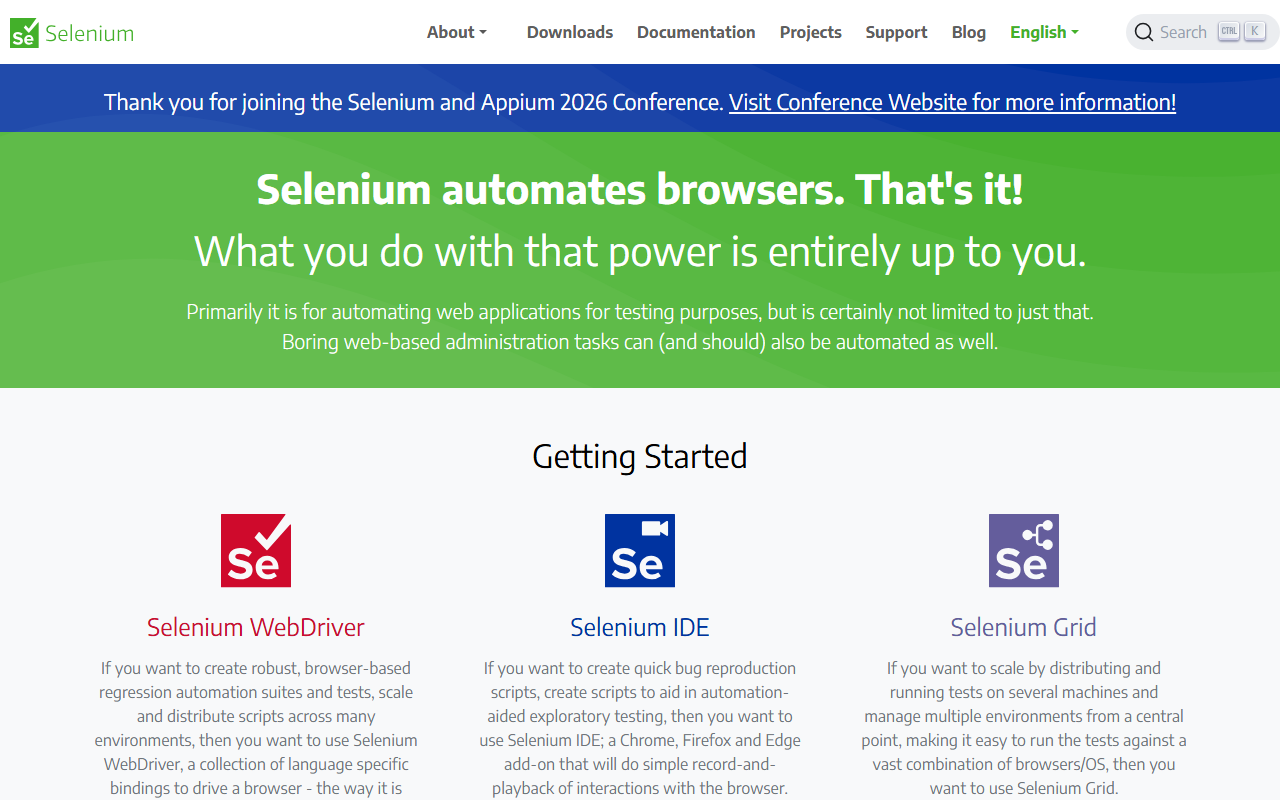
Selenium is the longest-standing browser-automation project and still the broadest in language and browser support. For scraping it shines when you already have Selenium expertise or need to run across an unusual mix of browsers and operating systems.
Pricing
Selenium is free and open source (Apache 2.0), managed by the Software Freedom Conservancy, per its site in mid-2026. There is no software cost; you pay for the infrastructure, and Selenium Grid lets you spread runs across many machines you provision. Cloud grid vendors resell hosted Selenium, but the core is free.
Standout features
Selenium WebDriver follows the W3C WebDriver standard and offers bindings for Java, Python, C#, Ruby, JavaScript, and Kotlin, the widest language coverage on this list. Selenium Grid distributes tests and scrapes across browser and OS combinations from one entry point, which still matters for large suites. Selenium IDE adds record-and-playback for quick prototypes.
Where it falls short
It is more verbose than Playwright and lacks built-in auto-waiting, so naive scripts are flakier and need explicit waits. Setup of drivers and grids carries more overhead than the newer libraries. And like the others, it does nothing for anti-bot detection on its own; a stock Selenium browser is easy to fingerprint and block without added stealth and proxy work.
5. Bright Data Browser API
Bright Data’s Browser API (formerly the Scraping Browser) is the closest managed equivalent to running your own browser, with the unblocking built in. You connect your existing Puppeteer, Playwright, or Selenium code to a remote browser, and it handles IPs, fingerprints, and CAPTCHAs as pages load.
Pricing
Per Bright Data’s Browser API pricing page in mid-2026, usage is billed by traffic: $8/GB pay-as-you-go, dropping to $7/GB at the 71 GB/month plan ($499 billed monthly) and lower at higher commitments. A free trial is offered with no credit card required, plus a first-deposit match up to $500. GB-based billing differs from per-request pricing, so cost depends on how heavy your target pages are.
Standout features
It works as a drop-in remote browser: keep your Puppeteer or Playwright scripts and point them at Bright Data’s endpoint over CDP. Built-in unblocking covers automatic IP rotation, real-browser fingerprint emulation, cookie and header handling, and configurable CAPTCHA solving toggled via CDP. That removes the stealth and proxy layer you would otherwise build around self-hosted browsers.
Best for
Teams that already have working Playwright or Puppeteer automation and want it to survive on heavily defended sites without rewriting it. Pricing favors workloads where you can keep page payloads small, since you pay per GB. For interactive flows (logins, clicks, infinite scroll) on protected targets, the drop-in model is its strongest case.
6. Scrapfly
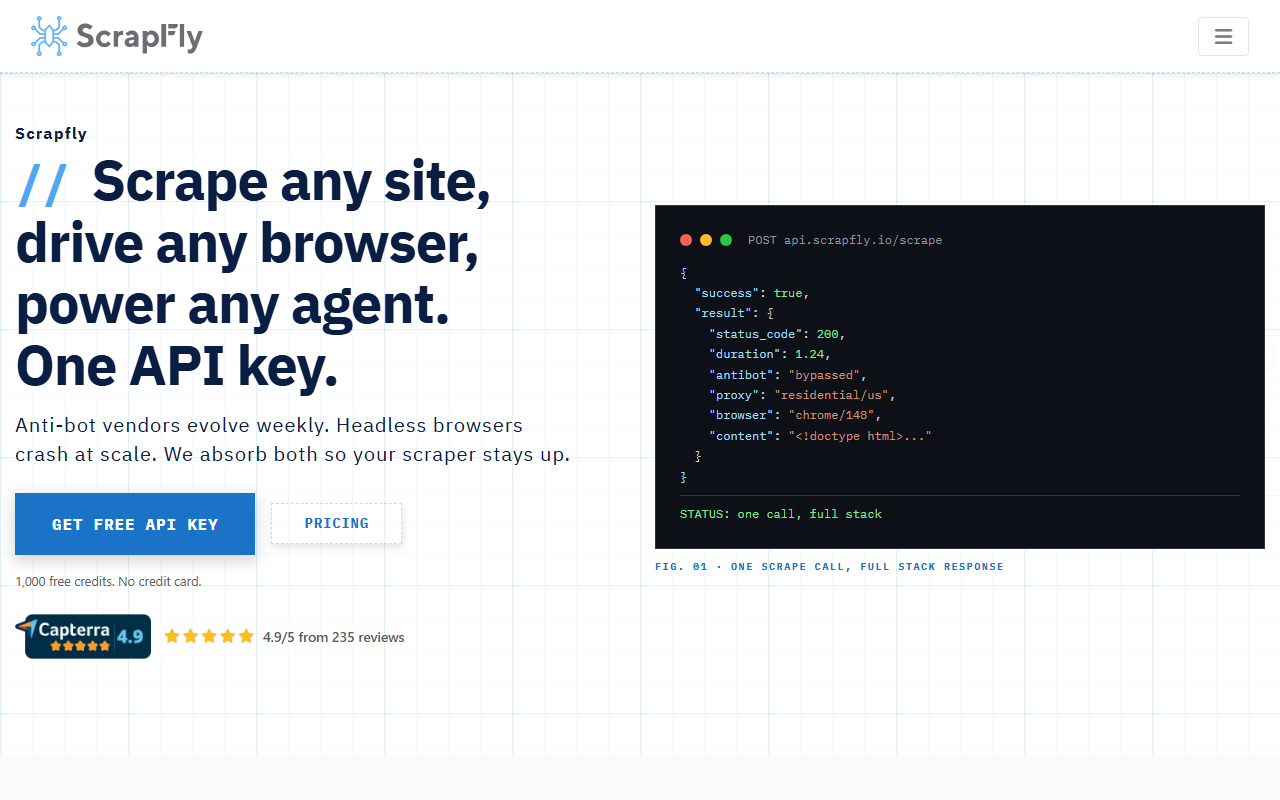
Scrapfly pairs a scraping API with a cloud browser, so you can choose a simple rendered request or full programmatic browser control under one account and one credit balance.
Pricing
Per Scrapfly’s pricing page in mid-2026, the free tier is 1,000 API credits on signup with no credit card, and the cheapest paid plan is Discovery at $30/mo for 200,000 credits. Credit cost per request scales with the features you enable (JavaScript rendering, anti-scraping protection bypass, residential proxies, country targeting), so a rendered request costs more than a plain fetch. Scrapfly publishes a cost estimator for exact per-request math.
Standout features
Its cloud browser is a remote Chromium pool driven by Playwright, Puppeteer, Selenium, or raw CDP, so you can run real browser sessions without hosting them. The standard Web Scraping API also exposes a render_js option for cases where you just want the rendered HTML back from one call. Both sit on the same proxy and anti-bot stack, so you can start simple and graduate to full browser control without switching vendors.
Best for
Developers who want one platform that covers both quick rendered scrapes and complex browser automation, with usage-based credits. The single credit balance keeps billing simple as you mix request types. It is a good middle ground between a pure REST scraper and a raw self-hosted browser.
7. ScrapingBee
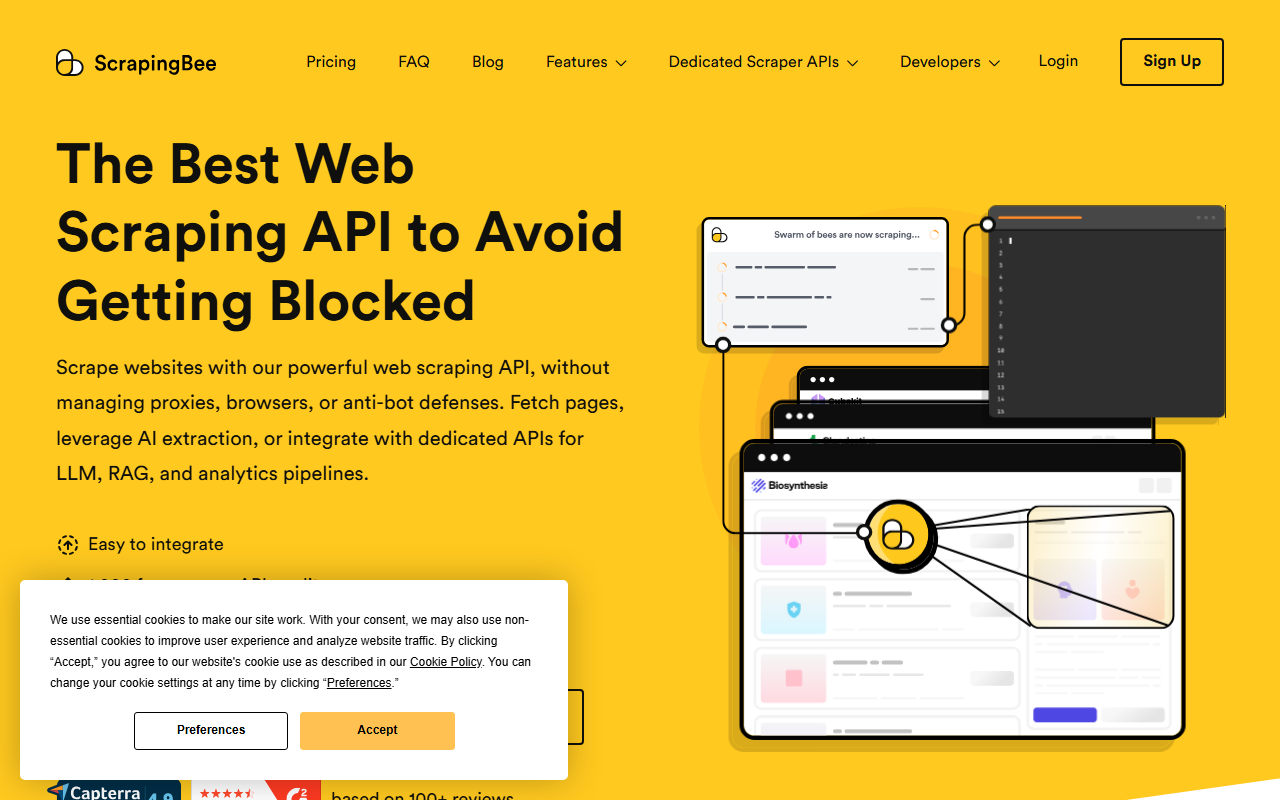
ScrapingBee is the simplest managed option here for small teams that mainly need JavaScript rendering without operating browsers. You send a URL, optionally turn on rendering, and get the rendered HTML back.
Pricing
Per ScrapingBee’s pricing page in mid-2026, the free trial is 1,000 API credits with no credit card, and the cheapest paid plan is Freelance at $49/mo for 250,000 API credits with 10 concurrent requests. Higher tiers (Startup at 1,000,000 credits, Business at 3,000,000) raise volume and concurrency. Rendering and premium proxies consume more credits per request than a basic fetch.
Standout features
JavaScript rendering, rotating and premium proxies, and geotargeting are exposed as request parameters, so a single REST call returns a fully rendered page. The API is deliberately minimal, which makes it quick to wire into an existing script. For teams that just need rendered HTML from moderately defended sites, the small surface area is the selling point.
Best for
Small teams and solo developers who want rendered pages with minimal setup and predictable monthly plans. The $49 entry is higher than ChocoData’s $19, and billing is credit-based rather than per successful request, so compare on your expected render volume. If your needs are pure JavaScript rendering rather than full interactive automation, it is an easy starting point.
How to choose the right one
The first decision is whether to run the browser yourself or let an API run it for you.
| Your situation | Best fit |
|---|---|
| Data is in the static HTML | Skip headless browsers; use an HTTP request and a parser (see web scraping guide) |
| New project, want cross-browser control, willing to host | Playwright |
| Chrome-only, Node.js, need screenshots or PDFs | Puppeteer |
| Widest language support or existing Selenium suite | Selenium |
| Want rendered pages without running browser infra | ChocoData |
| Have working Playwright/Puppeteer code that keeps getting blocked | Bright Data Browser API |
| Want one platform for simple renders and full browser control | Scrapfly |
| Just need JavaScript rendering, small predictable volume | ScrapingBee |
The practical pattern from my testing: prototype with a free library, and the moment you spend more time fighting blocks and fingerprints than parsing data, move the rendering layer to a managed browser API. For why detection happens and how to reduce it, see my notes on scraping without getting blocked.
How we evaluated these
I compared these headless-browser options on documented price, free tier, browser and language coverage, and how much infrastructure you have to operate yourself, pulling pricing and features from each vendor’s own pages. Performance numbers in the reviews are approximate, compiled from vendor and public sources, not first-hand; independent like-for-like benchmarks are in progress and documented at how we test. All pricing is current as of mid-2026 and may change, so confirm the latest figures on each vendor’s pricing page before you commit.
FAQ
A headless browser is a normal browser engine (Chromium, Firefox, or WebKit) running without a graphical window. It loads pages, executes JavaScript, applies CSS, and builds the same DOM a visible browser would, but it is controlled entirely by code instead of a mouse and keyboard. For scraping, that means you can extract data from sites that only render content after JavaScript runs, which a plain HTTP request cannot see.
Only if the data you want is rendered by JavaScript after the page loads, or if the site checks for browser-like behavior. For static HTML, a plain HTTP request with an HTML parser is faster and far cheaper. Rule of thumb from my testing: view the page source, and if the data is missing there but visible in the rendered page, you need a headless browser or an API with JavaScript rendering turned on.
Playwright is the most capable for new projects: it drives Chromium, Firefox, and WebKit from one API across TypeScript, Python, .NET, and Java, with auto-waiting that cuts flaky scripts. Puppeteer is leaner and Chrome-first via Node.js, ideal if you only need Chromium and JavaScript. Selenium is the oldest and broadest in language support and has Selenium Grid for distributed runs, which still matters for large QA suites. All three are free and open source.
Running headless browsers at scale is the expensive part. Each browser instance eats RAM and CPU, and sites increasingly fingerprint and block datacenter browsers. A managed browser API (ChocoData, Bright Data Browser API, Scrapfly) runs the browser farm for you, rotates residential IPs, solves CAPTCHAs, and patches fingerprints, so you connect with the same Playwright or Puppeteer code, or a single REST call, and stop maintaining infrastructure. You pay per request or per GB instead of per server.
Yes. Default Playwright, Puppeteer, and Selenium expose signals (navigator.webdriver, missing plugins, automation flags) that anti-bot systems read. Stealth plugins and patched builds help, but a well-defended target will still flag a raw datacenter browser. Managed browser APIs handle this layer for you by emulating real browser fingerprints and routing through residential IPs, which is the main reason teams move off self-hosted browsers for protected sites.