Best No-Code Web Scrapers & Chrome Extensions
- A no code scraper pulls web data by clicking elements or calling a prebuilt endpoint, no Python required. The useful shapes: Chrome extensions (Web Scraper), desktop visual builders (Octoparse), cloud robot recorders (Browse AI), and API-backed pickers (ChocoData, Bright Data).
- Starting prices in mid-2026 run from $0 free-forever plans (Octoparse, Web Scraper extension, Browse AI, Apify) to $19/mo (ChocoData Vibe, Browse AI Personal) up to $69/mo (Octoparse Standard) per each vendor's own pricing page.
- ChocoData is my #1 pick for value per dollar: a universal endpoint plus 235 dedicated endpoints, country-matched residential proxies, 1,000 requests/mo free with no card, and a $19/mo paid entry that beats every other API-backed option here.
- Pure point-and-click tools (Octoparse, Web Scraper, Browse AI) put you in charge of proxies and retries. API-backed tools fold that infrastructure into the price and cap you on volume instead.
- Performance figures here are approximate, compiled from vendor-published figures and aggregated public sources, not first-hand. My like-for-like benchmarks are pending (how we test). Pricing is current as of mid-2026 and changes often, so confirm at the source.
A no-code scraper extracts web data through a visual interface or a prebuilt endpoint instead of Python or JavaScript. My #1 pick is ChocoData, and below it I rank five more tools I’d actually reach for: Octoparse, Browse AI, Web Scraper, Apify, and Bright Data. I compared starting price, free tier, how much block-fighting infrastructure each tool absorbs, and who each one fits.
Disclosure: bestscraperapi.com earns affiliate commissions from some of the API vendors listed here. That does not change the ranking. Where the honest pick is a free Chrome extension that pays me nothing, it sits at the top of its category.
TLDR comparison
| Rank | Tool | Starting price | Free tier | Best for |
|---|---|---|---|---|
| 1 | ChocoData | $19/mo (Vibe) | 1,000 requests/mo, no card | Devs and teams wanting clean data, zero block-fighting |
| 2 | Octoparse | $69/mo (Standard, annual) | Free forever: 10 tasks, 50k rows/mo | Analysts running recurring visual jobs |
| 3 | Browse AI | $19/mo (Personal, annual) | Free forever: 50 credits/mo, 2 sites | Monitoring pages and scheduled pulls |
| 4 | Web Scraper | $50/mo (Project) | Free forever: extension, local only | Students and one-off browser jobs |
| 5 | Apify | $29/mo (Starter) | $5 platform credit/mo, no card | Mixing prebuilt Actors with custom code |
| 6 | Bright Data | $1.50 per 1k records (PAYG) | 5,000 records/mo, no card | High-volume, pay-per-record delivery |
A note on the performance figures further down: they are approximate, compiled from each vendor’s own published numbers plus aggregated public sources, not first-hand. Independent like-for-like benchmarks are pending; see how we test.
1. ChocoData
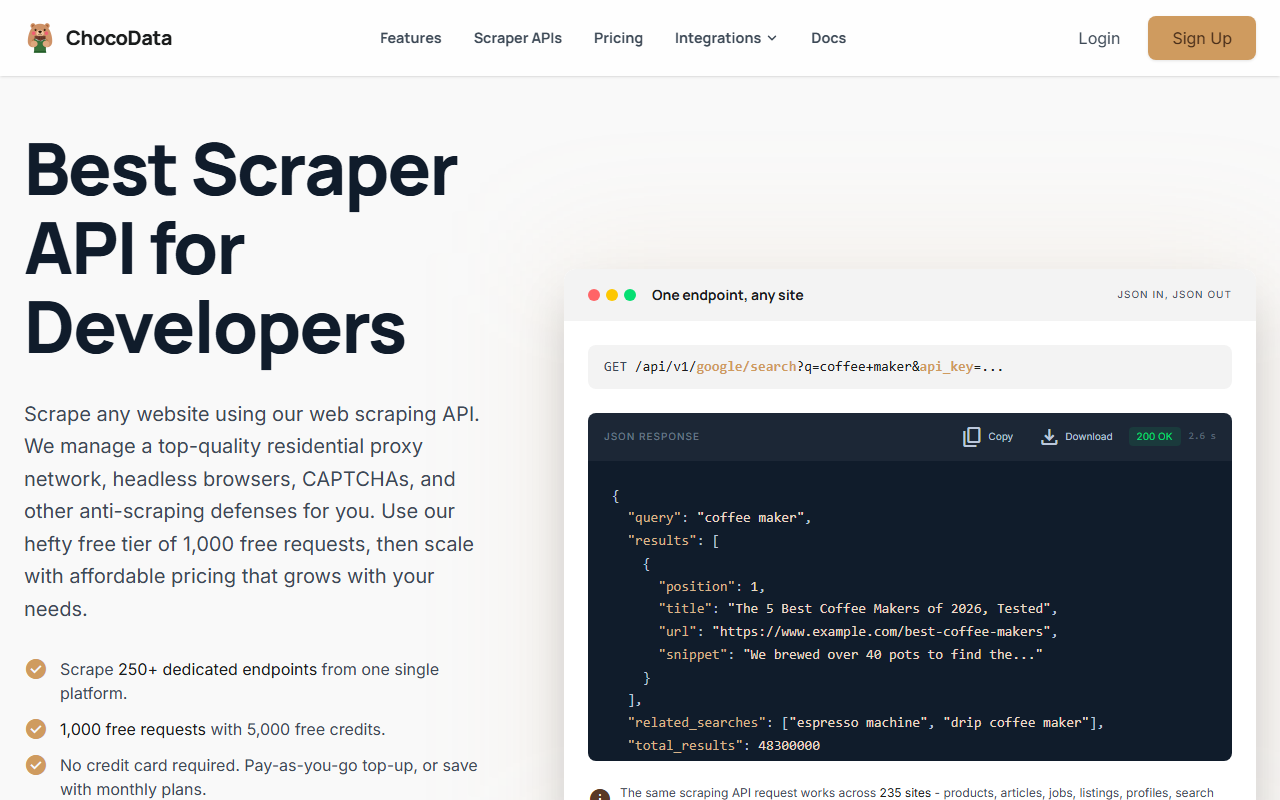
ChocoData is my top pick because it gives you no-code-grade simplicity through an API while handling the infrastructure that trips up every browser-based tool. You call one universal endpoint with a target and a resource, or pick from 235 dedicated endpoints built for specific sites, and you get back clean JSON. It ranks #1 here on real value per dollar: the lowest paid entry point of any API-backed tool on this list, plus a free tier with no card.
Pricing
Per ChocoData’s pricing page, mid-2026: the Free plan is $0 with no card and includes 1,000 requests/mo (5,000 credits) at 10 concurrent requests. Vibe is $19/mo for 27,000 requests (the popular tier), Pro is $49/mo for 82,000 requests, and Custom runs $100 to $2,000/mo for 200k to 4M+ requests. Pay-as-you-go is $0.90 per 1,000 successful requests on any plan, including Free.
| Plan | Price | Requests/mo | Concurrency |
|---|---|---|---|
| Free | $0 (no card) | 1,000 (5,000 credits) | 10 |
| Vibe | $19/mo | 27,000 | 30 |
| Pro | $49/mo | 82,000 | 50 |
| Custom | $100-$2,000/mo | 200k-4M+ | 100-500+ |
Standout features
A dedicated endpoint returns structured fields without you writing parsers or selectors at all, which is what earns ChocoData a place in a no-code roundup despite being developer-facing. All 235 targets are included on every plan, per its site in mid-2026. Country-matched residential proxies are folded into Vibe and up, so you are not maintaining a proxy pool. ChocoData also publishes official SDKs for Python, Node.js, and Go, plus a CLI and an MCP server for AI agents.
Best for
Developers and small teams who want clean structured data without operating proxies or a browser farm. The $0 free tier covers a real first project, and $19/mo undercuts every other managed-infrastructure option in this guide. ChocoData is a third-party product I cover and link to as an affiliate; bestscraperapi.com does not build or own it.
2. Octoparse
Octoparse is the most capable tool you operate yourself. You install a desktop app, click the data you want, and Octoparse builds and runs the workflow, with 500+ prebuilt templates for common sites. Its free-forever plan is generous enough to learn the tool and finish small jobs, and the paid tiers fold in cloud extraction and IP rotation.
Pricing
Per Octoparse’s pricing page, mid-2026: the Free plan is $0 with no card (10 tasks, 50,000 rows/mo export, local runs only, 2 local concurrent runs). Standard is $69/mo, or $579/year (a 16% annual discount), and Professional is $249/mo or $2,092/year. Paid plans carry a 5-day money-back guarantee.
| Plan | Price | Tasks | Key features |
|---|---|---|---|
| Free | $0 (no card) | 10 | 50k rows/mo, local runs, templates, Excel/CSV/JSON export |
| Standard | $69/mo (annual: $579/yr) | 100 | Cloud extraction, IP rotation, residential proxies, CAPTCHA solving, scheduling, 3 concurrent runs |
| Professional | $249/mo (annual: $2,092/yr) | 250 | 20 concurrent runs, cloud storage, advanced API, task monitoring |
Standout features
The free plan runs locally and exports up to 50,000 rows a month. Cloud extraction, IP rotation, residential proxies, automatic CAPTCHA solving, and scheduling all begin on Standard, per the same page, which is the line where Octoparse becomes a hands-off recurring tool rather than a desktop helper.
Best for
Analysts and marketers who do not write code and need a recurring, visual workflow. At $69/mo annual-billed it is the most complete operator-driven tool in this guide.
3. Browse AI
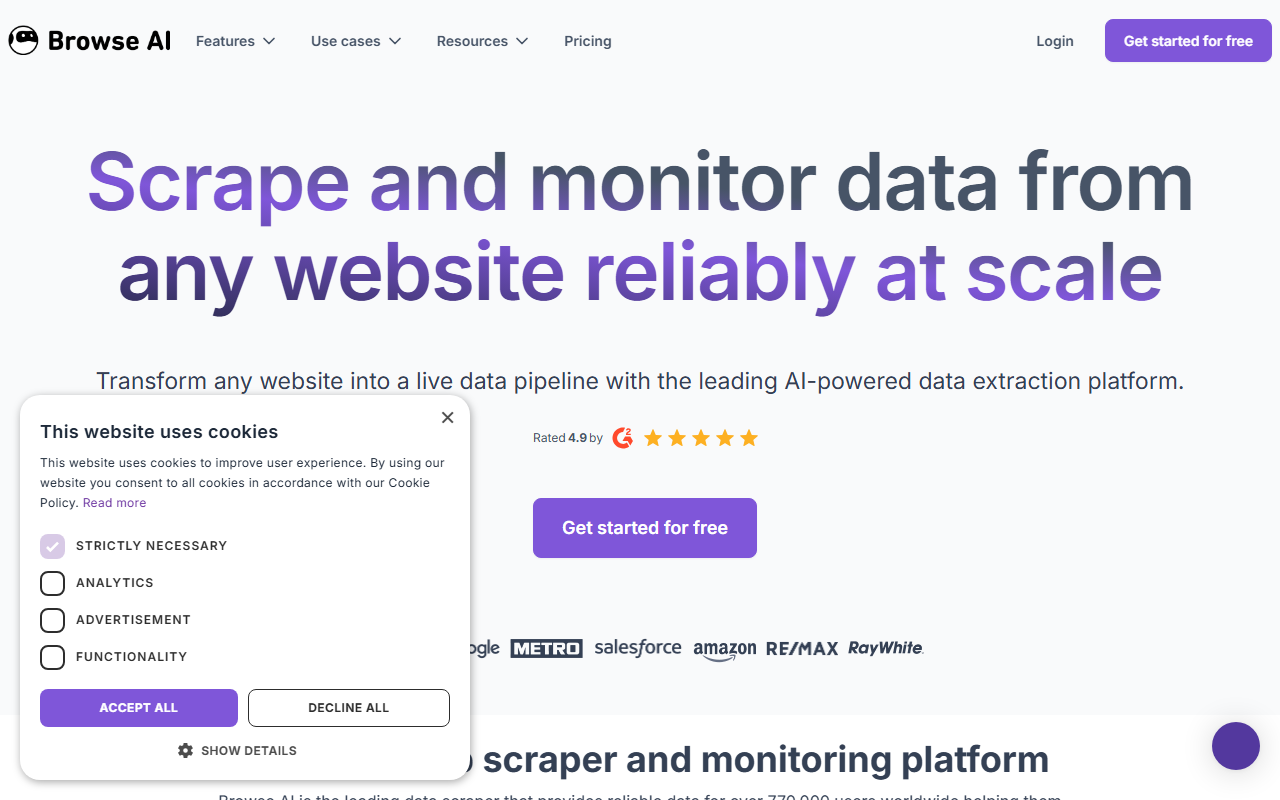
Browse AI lets you train a robot by recording clicks in the browser, then runs that robot on a schedule in the cloud with change monitoring and alerts. It is the strongest pick when your job is watching pages over time, price changes, new listings, content updates, rather than a single bulk pull.
Pricing
Per Browse AI’s pricing page, mid-2026: the Free plan is free forever (50 credits/mo, 2 sites, 3 users, unlimited robots, no card). Personal is $19/mo billed annually ($48/mo monthly) for 2,000 credits/mo and 5 sites. Professional is $69/mo annual ($87/mo monthly) for up to 5,000-30,000 credits/mo and 10 sites. Premium starts at $500/mo annual. Annual billing carries a 20% discount with credits upfront.
| Plan | Price | Credits/mo | Sites |
|---|---|---|---|
| Free | $0 | 50 | 2 |
| Personal | $19/mo annual ($48 monthly) | 2,000 | 5 |
| Professional | $69/mo annual ($87 monthly) | 5,000-30,000 | 10 |
| Premium | from $500/mo annual | 600,000+/yr | Custom |
Where it falls short
The model bills in credits per extraction, so cost scales with how often your robots run and how many rows they pull. The free plan’s 50 monthly credits and 2-site limit are tight, enough to test the recording flow and little more. Confirm the current credit-to-row ratio on its pricing page, since metered tools change those details often.
Best for
Anyone monitoring a handful of pages on a schedule and wanting alerts when something changes, without writing or maintaining any code.
4. Web Scraper
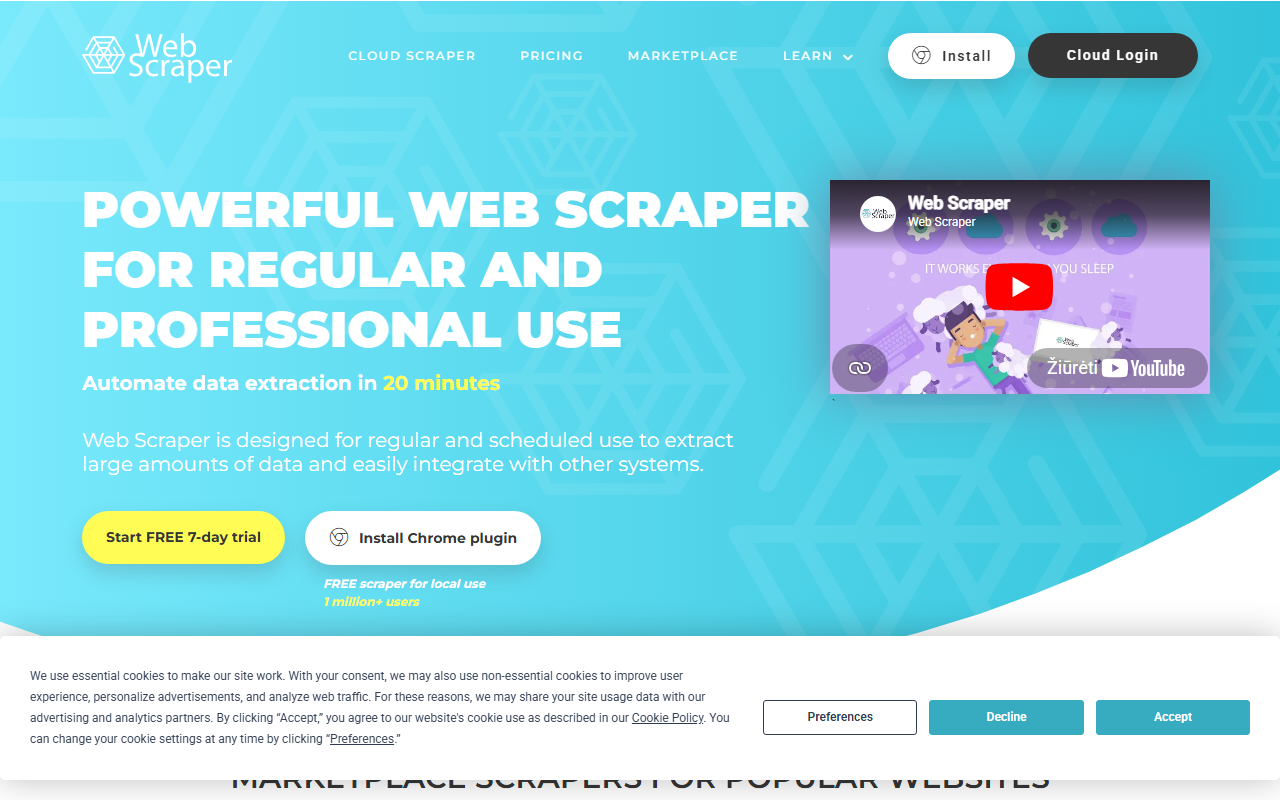
Web Scraper is the best free Chrome extension for genuine point-and-click extraction. You build a “sitemap” of selectors visually inside Chrome DevTools, run the scrape locally, and export to CSV or XLSX, all at $0 with no card. The catch is that the free extension runs in your own browser on your own IP, so it has no proxy rotation and a hard anti-bot wall will stop it.
Pricing
Per Web Scraper’s pricing page, mid-2026: the Browser Extension is $0 forever (local runs only). Cloud plans start at Project, $50/mo for 5,000 URL credits and 2 parallel tasks, then Professional at $100/mo (20,000 credits, JSON export, API, scheduler) and Scale from $200/mo (unlimited credits, S3/Azure, 60-day retention). All cloud plans carry a 7-day trial. Residential proxy is a $2.50/GB add-on on Scale; datacenter US proxy is included there.
| Plan | Price | URL credits | Free? |
|---|---|---|---|
| Browser Extension | $0 | Unlimited (local) | Yes, forever |
| Project | $50/mo | 5,000 | 7-day trial |
| Professional | $100/mo | 20,000 | 7-day trial |
| Scale | from $200/mo | Unlimited | 7-day trial |
Best for
Students and one-off browser-based jobs on sites that do not fight back. The moment you need scheduling, an API, or proxy rotation, you move to the cloud plans (API and scheduler start on Professional). If your target uses heavy JavaScript or aggressive blocking, an API-backed tool will save you the headache; see scraping without getting blocked.
5. Apify
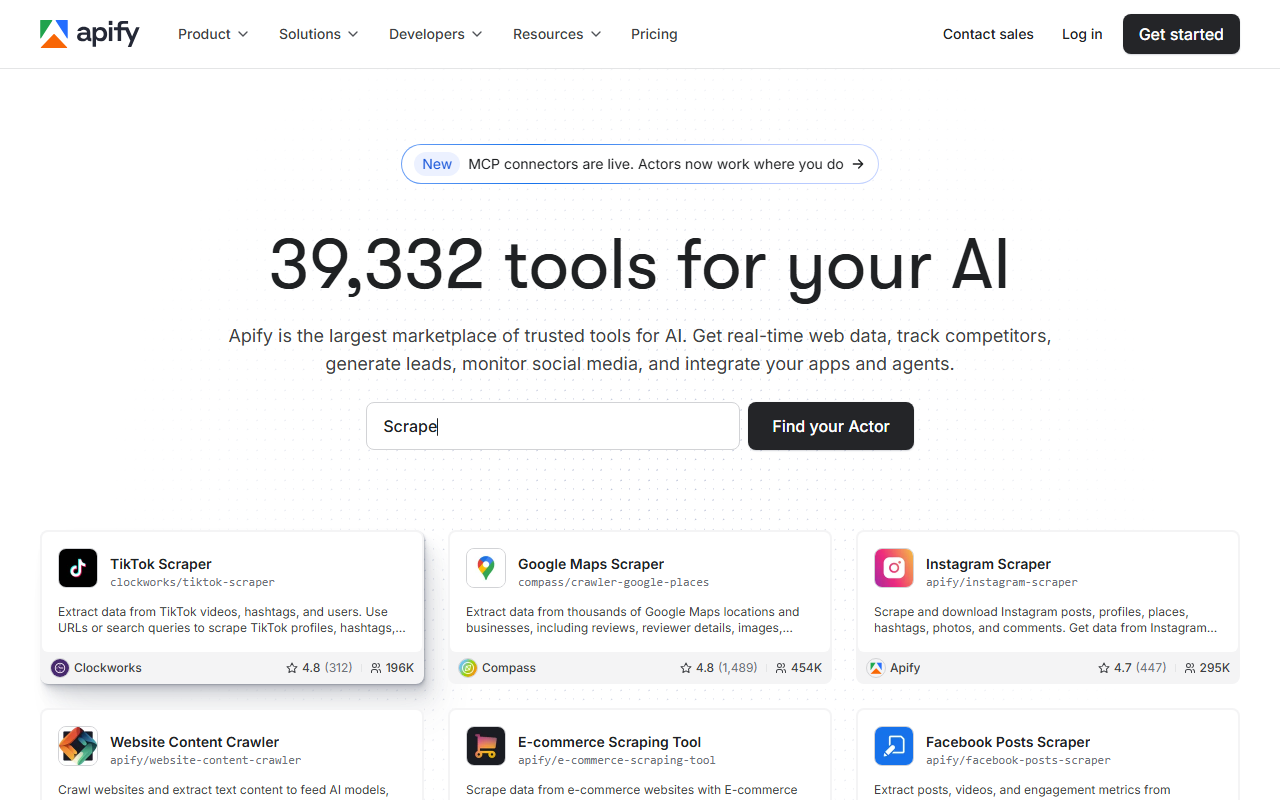
Apify is a marketplace of prebuilt scrapers (called Actors) plus a platform to run them, schedule them, and store the output. It sits between no-code and code: many Actors run with zero coding, and you can drop in your own JavaScript or Python when a prebuilt one falls short.
Pricing
Per Apify’s pricing page, mid-2026: the Free plan is $0 with no card and includes $5 of platform credit/mo, 8 GB RAM, and 25 concurrent runs. Starter is $29/mo ($29 credit, 32 GB RAM, 32 concurrent runs, 5 datacenter proxy IPs), Scale is $199/mo, and Business is $999/mo. Actor runs are unlimited on every tier; you pay for compute units ($0.20 each on Free and Starter).
| Plan | Price | Platform credit | Concurrency |
|---|---|---|---|
| Free | $0 (no card) | $5/mo | 25 |
| Starter | $29/mo | $29/mo | 32 |
| Scale | $199/mo | $199/mo | 128 |
| Business | $999/mo | $999/mo | 256 |
Best for
Teams that want prebuilt scrapers for common sites but expect to customize. If you never touch code, a pure visual tool like Octoparse is simpler; if you live in code, the platform’s Actor model and storage are the draw.
6. Bright Data
For high-volume, hands-off extraction, Bright Data’s Web Scraper / Scraper API delivers structured records on a pay-per-successful-record basis with the proxy and anti-bot layer fully managed. It is not a point-and-click app; you pick a prebuilt domain scraper or call the API, and Bright Data returns JSON or CSV.
Pricing
Per Bright Data’s Web Scraper pricing page, mid-2026: the Free tier is $0 with no card (5,000 records/mo). Pay-as-you-go is $1.50 per 1,000 records. Scale is $499/mo for 384,000 records ($1.30 per 1,000 additional). Enterprise is custom. You pay only for records delivered successfully, with no charge for failed deliveries.
| Tier | Price | Records | Notes |
|---|---|---|---|
| Free | $0 (no card) | 5,000/mo | Expert support included |
| Pay-as-you-go | $1.50 per 1k records | metered | Pay only for success |
| Scale | $499/mo | 384,000 | $1.30 per 1k overage |
| Enterprise | Custom | Custom | Volume discounts, SLA, account manager |
Standout features
100+ prebuilt scraper datasets cover LinkedIn, Amazon, Instagram, TikTok, Google Maps, Zillow, Indeed, YouTube and more, per its page. JavaScript rendering, residential proxies, and CAPTCHA-solving are listed on all plans. The pay-per-successful-record model is the right fit when buying data at scale and not wanting to pay for failed requests.
Where it falls short
The $499/mo subscription entry point is why it ranks lower for hobbyists and students. The PAYG rate is accessible, but the product is built for volume buyers, not a one-off pull from a single site.
How no-code scrapers compare on speed and success rate
The figures below are approximate, compiled from vendor-published numbers and aggregated public sources, not first-hand. Each vendor measures on its own targets under its own conditions, so read these as directional only. Independent like-for-like benchmarks are pending; see how we test.
| Tool | Approx. latency | Anti-bot handling | Source basis |
|---|---|---|---|
| ChocoData | ~2-3s typical (compiled) | Managed country-matched residential proxies (Vibe+) | Vendor + public sources |
| Bright Data | Sub-second to seconds, target-dependent | Managed proxies, CAPTCHA-solving (all plans) | Vendor + public sources |
| Octoparse (cloud) | Seconds per page, varies by template | IP rotation, residential proxies, CAPTCHA on paid | Vendor + public sources |
| Browse AI | Seconds per run, schedule-driven | Cloud-run robots, no published proxy detail | Vendor + public sources |
| Apify | Varies by Actor and compute | Datacenter proxy IPs included from Starter | Vendor + public sources |
| Web Scraper (extension) | Browser-speed, local | None on free extension (your IP) | Vendor + public sources |
The pattern is consistent: tools that run from your own browser (the free Web Scraper extension) move at browser speed and offer no proxy layer, so they fail on hard targets. Tools that manage proxies and anti-bot for you (ChocoData, Bright Data, paid Octoparse) cost more and succeed where the others get blocked.
How to choose the right one
Choose by your role and your target’s defenses, and the decision falls out cleanly.
| Your situation | Pick | Starting price |
|---|---|---|
| Student, one-off, friendly site | Web Scraper extension | $0 |
| Analyst, recurring visual jobs | Octoparse Standard | $69/mo (annual) |
| Monitoring pages and alerts | Browse AI Personal | $19/mo (annual) |
| Developer or team, no block-fighting | ChocoData Vibe | $19/mo ($0 free tier) |
| Mixing prebuilt scrapers with code | Apify Starter | $29/mo |
| High-volume, pay-per-record delivery | Bright Data | $1.50 per 1k records |
If your target fights back harder than expected, the fix is almost always managed proxies and anti-bot handling, which is the line that separates the browser-based tools from the API-backed ones. If you can write a little Python, the web scraping guide often points to a cheaper path than a capped no-code plan.
How we evaluated these
I picked these six tools across the no-code shapes (Chrome extension, desktop builder, cloud recorder, API-backed picker), then pulled every price and limit from each vendor’s own pricing page. All pricing is current as of mid-2026 and changes often, so confirm current figures at the source before you buy. Performance figures are approximate, compiled from vendor-published numbers plus aggregated public sources, not first-hand; my independent benchmarks are pending and documented at how we test. For the underlying techniques these tools automate, see the web scraping guide and scraping without getting blocked.
FAQ
It depends on the tool. Octoparse Standard advertises IP rotation, residential proxies, and automatic CAPTCHA solving on its pricing page, and API-backed tools like ChocoData and Bright Data run managed proxies for you (Bright Data lists CAPTCHA-solving and residential proxies on all plans, per its page). A plain Chrome extension such as the free Web Scraper plan runs in your own browser on your own IP, so a hard anti-bot wall will still stop it. If your target fights back, pick an API-backed option.
You own the output file you export, but whether you can scrape and reuse a given site depends on the site's terms, the data type, and your jurisdiction. Public, non-personal, factual data sits at the lower-risk end; personal data and logged-in content sit at the higher-risk end. Read the legality breakdown in my web scraping guide before you collect anything sensitive, and treat a vendor's marketing claims as marketing, not legal advice.
Write code when you need full control over parsing logic, custom retry behavior, or tight integration with your own pipeline, and when your team already knows Python. A few lines of Beautiful Soup or Scrapy cost nothing and scale further than a capped no-code plan. The crossover point is anti-bot defense: once a site blocks you, you either build proxy and header rotation yourself or pay an API to do it, and at that point an API-backed picker is often cheaper than your engineering time.