Best Shopify Stores Scraper APIs & Tools
- Shopify scraping splits two ways: dedicated actors and datasets that return parsed product, variant, and review fields (Apify and Bright Data lead here), and universal scraper APIs you point at any Shopify store URL (ChocoData, Oxylabs, ScrapingBee, Scrapfly).
- Documented entry points in mid-2026: ChocoData from $19/mo, Bright Data Shopify scraper $1.50/1k records, Oxylabs from $0.25/1k results, ScrapingBee from $49/mo, Scrapfly from $30/mo. Free tiers at $0 on ChocoData, Bright Data, Oxylabs, ScrapingBee, and Scrapfly.
- ChocoData is my top value pick: one universal endpoint plus 250+ dedicated endpoints across 235 sites, from $19/mo with 1,000 free requests/mo and no card.
- Bright Data is the pick for parsed product and review datasets: a dedicated Shopify scraper billed per delivered record, with 5,000 free records/mo.
- Most stores also ask the opposite question. To prevent Shopify product scraping you cannot block public pages outright, but rate limiting, bot management, and Shopify's own protections raise the cost for scrapers. More below.
- Speed and success figures are approximate, compiled from vendor-published numbers and public reports, not bestscraperapi.com's own tests. Like-for-like benchmarks are in progress (how we test).
Shopify powers millions of storefronts, and each one exposes product titles, variants, prices, images, and reviews that founders, marketers, and data teams want to track. The practical question is which tool pulls that reliably across many stores without you babysitting proxies and CAPTCHAs, and the related question store owners ask is how to prevent Shopify product scraping of their own catalog. This page answers both. It compares the Shopify scraper APIs and actors I would actually shortlist in 2026, ranked with ChocoData first on documented value, and closes with what store owners can realistically do to deter scrapers. Every price and feature comes from the vendor’s own pricing or product page in mid-2026, attributed inline, because review-site numbers go stale fast.
One disclosure up front: bestscraperapi.com earns affiliate commissions from some of the vendors listed here. That does not change which tools make the list, how I rank them, or what I write. Pricing comes straight from each vendor’s own page, and the ranking follows documented price and features, not payout.
A note on the performance numbers further down. The speed and success-rate figures are approximate, compiled from each vendor’s own published figures plus aggregated public reports. They are not bestscraperapi.com’s own first-hand tests. Vendors measure on their own targets under their own conditions, so the numbers are directional rather than apples to apples. My independent, like-for-like Shopify benchmarks are in progress; see how we test for the methodology and check back for measured results.
TLDR: the best Shopify scraper APIs at a glance
| Rank | Tool | Starting price | Free tier | Best for |
|---|---|---|---|---|
| 1 | ChocoData | $19/mo (Vibe) | 1,000 requests/mo, no card | One API for Shopify plus every other source |
| 2 | Bright Data Shopify scraper | $1.50/1k records (PAYG) | 5,000 records/mo, no card | Parsed product and review datasets in bulk |
| 3 | Apify Shopify Scraper | Pay-per-usage (compute) | “Try for free” platform credit | No-code crawl of a single store’s full catalog |
| 4 | Oxylabs Web Scraper API | $0.25/1k results | 2,000 results, no card | Teams already on an Oxylabs stack |
| 5 | ScrapingBee | $49/mo (Freelance) | 1,000 credits, no card | Developers who want a simple HTML API |
| 6 | Scrapfly | $30/mo (Discovery) | 1,000 credits, no card | Stores behind heavy anti-bot at scale |
Pricing per each vendor’s pricing or product page, mid-2026. The tools bill in different units, so the starting prices are not directly comparable on volume: ChocoData sells requests or credits, Bright Data charges per delivered record, Apify bills compute units, Oxylabs charges per result, and ScrapingBee and Scrapfly sell credits whose cost varies by the features you enable. Read the included volume next to each price before you budget.
1. ChocoData
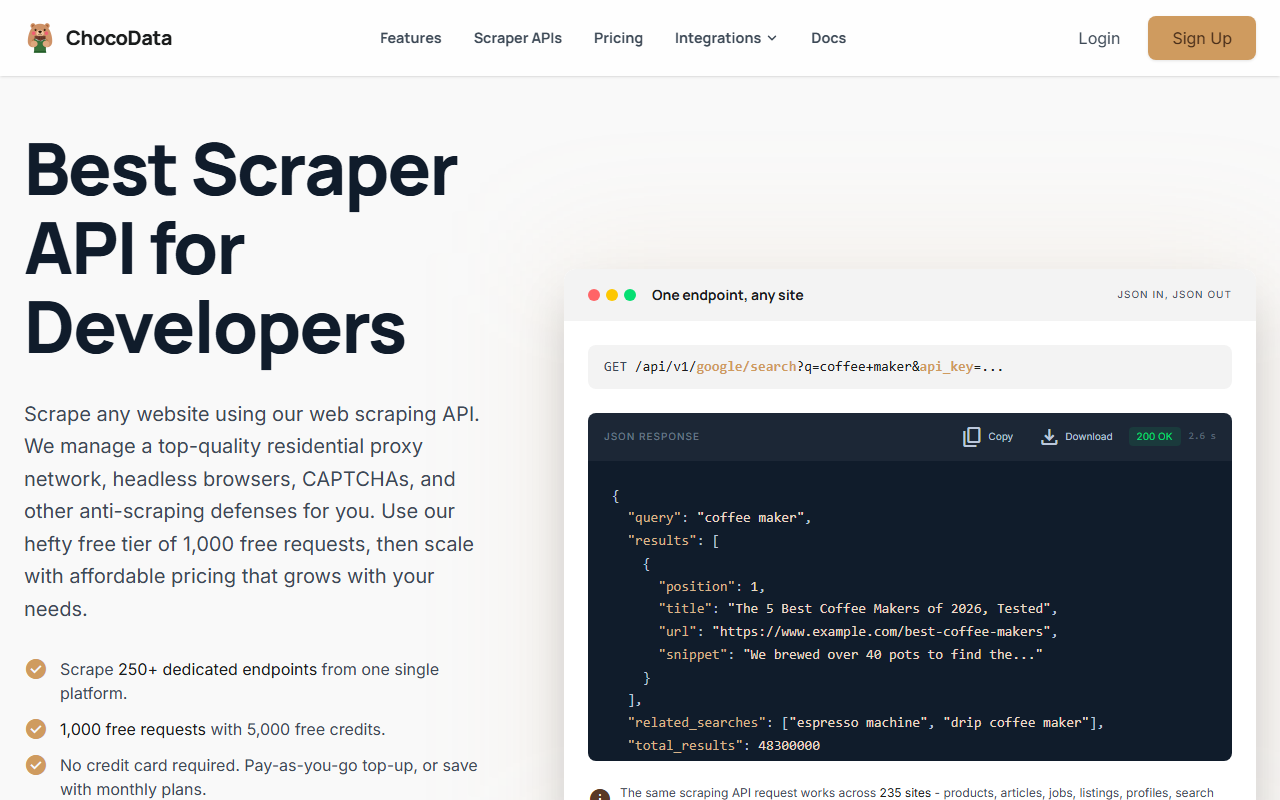
ChocoData is my top value pick for scraping Shopify through a real API rather than a no-code actor. It exposes one universal endpoint plus a large dedicated-endpoint library and publishes the lowest paid entry price in this list, so a Shopify workload that also touches Amazon, search, or social data runs through a single integration at one $19/mo floor.
Pricing
Per ChocoData’s pricing page in mid-2026, the Free plan is $0 for 1,000 requests a month (5,000 credits) with 10 concurrency and no credit card. Paid plans run Vibe at $19/mo (27,000 requests), Pro at $49/mo (82,000 requests), and Custom tiers from $100 to $2,000/mo (200,000 to 4,000,000+ requests). Billing is 5 credits per request, +10 for JavaScript rendering and +10 for a screenshot, and only successful 2xx responses are charged. Pay-as-you-go top-ups run $0.90 per 1,000 successful requests on any plan.
Standout features
Per ChocoData’s site in mid-2026, the universal endpoint follows one pattern, /api/v1/{site}/{resource}, across 235 supported sites, and the platform exposes 453 endpoints with 250+ returning validated, parity-checked structured JSON. You point the universal endpoint at a Shopify store, collection, or product URL and get the page back with residential IPs and JavaScript rendering handled for you. One caveat worth stating plainly: ChocoData names e-commerce coverage (Amazon, Walmart, eBay) on its site but does not list a Shopify-specific dedicated endpoint in mid-2026, so for Shopify you would use the universal route and parse the fields you need. Confirm the current target list in its docs.
Best for
Teams that scrape Shopify as one of several sources and want low cost and one integration. For speed, ChocoData’s homepage publishes a median latency of 2.6s, p95 6s, and p99 around 10s across its 235 supported sites in mid-2026; it does not publish a headline success rate. Start on the free 1,000 requests and move to the $19 Vibe plan when you outgrow it. Try ChocoData. A universal-endpoint Shopify request looks like this (illustrative, not a tested run):
curl "https://api.chocodata.com/api/v1/shopify/products?url=https://store.example.com&api_key=YOUR_KEY"Confirm the exact path, parameters, and which Shopify targets are exposed in ChocoData’s own docs before you build against it.
2. Bright Data
Bright Data is the pick when you need consistent parsed product and review fields delivered in bulk, because it ships a dedicated Shopify scraper rather than a generic fetch.
Pricing
Per Bright Data’s Web Scraper pricing page in mid-2026, you pay per successfully delivered record with no charge for failures. The Free tier gives 5,000 records a month with no credit card. Pay-as-you-go is $1.50 per 1,000 records with unlimited concurrency, Scale is $499/mo for 384,000 included records ($1.30 per extra 1,000), and Enterprise is custom with volume discounts and an SLA.
Standout features
Per Bright Data’s Shopify scraper page in mid-2026, it collects prices, images, reviews, product descriptions, and other publicly available data, and you can build it with a no-code AI scraper builder, deploy it as an API endpoint, or have Bright Data run it as a managed service. IPs, blocking, rendering, and retries are handled for you, and the builder includes AI self-healing that repairs broken scraper logic when a store’s markup changes. Bright Data’s infrastructure pages cite a 99.99% uptime figure across its network; this scraper page does not publish a per-request success rate.
Best for
Projects that are price monitoring, assortment tracking, or review mining across many Shopify stores rather than one-off lookups. The per-record model means you pay for clean output, not compute, which suits steady dataset builds. For a fuller breakdown, see my Bright Data review.
3. Apify
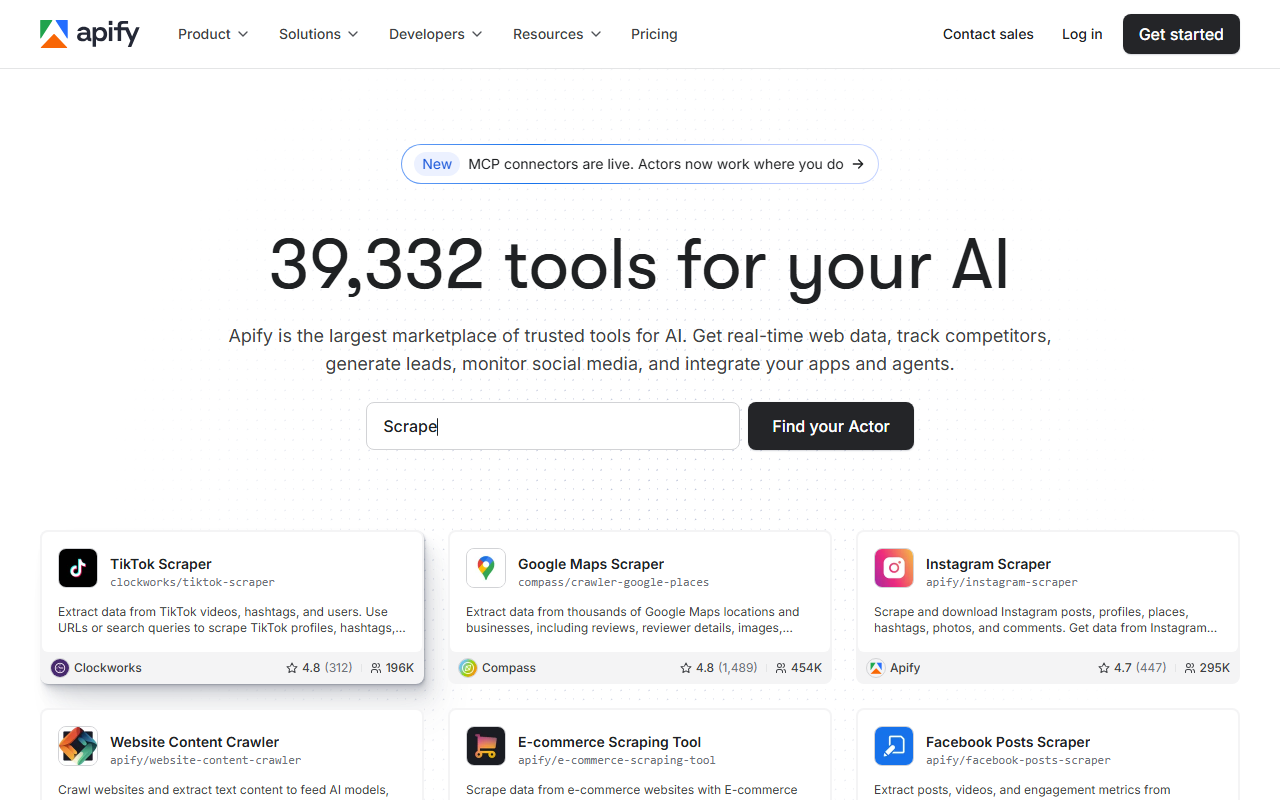
Apify is the no-code route for crawling a single Shopify store’s full catalog without writing scraper logic, using a community actor built for exactly that job.
Pricing
The Shopify Scraper actor (by pocesar) runs on Apify’s platform, which bills compute units rather than per result for this actor. Per Apify’s pricing page in mid-2026, the platform’s Free plan is $0 with $5 of monthly usage credit and no credit card, Starter is $29/mo, Scale is $199/mo, and Business is $999/mo, each with prepaid usage credits and pay-as-you-go compute beyond them (for example $0.20 per compute unit on Free and Starter). The actor page offers a “Try for free” option to test before you commit.
Standout features
Per the actor page in mid-2026, the Shopify Scraper crawls arbitrary Shopify-powered stores and extracts a structured list of all products, including title, price, and description, with two extension functions to filter output and control the crawl phases. It is Apache 2.0 licensed and community maintained, with about 2.3K users.
Where it falls short
Honesty matters here: this actor was last updated about three years ago and carries a 1.0 rating from a small number of reviews on its page in mid-2026, so test it on your target store before relying on it, and check the input schema for current behavior. It crawls one store at a time well, but for parsed fields across many stores at scale, the dedicated Bright Data scraper or the universal-API route is the steadier choice. For the platform overall, see my Apify review.
4. Oxylabs
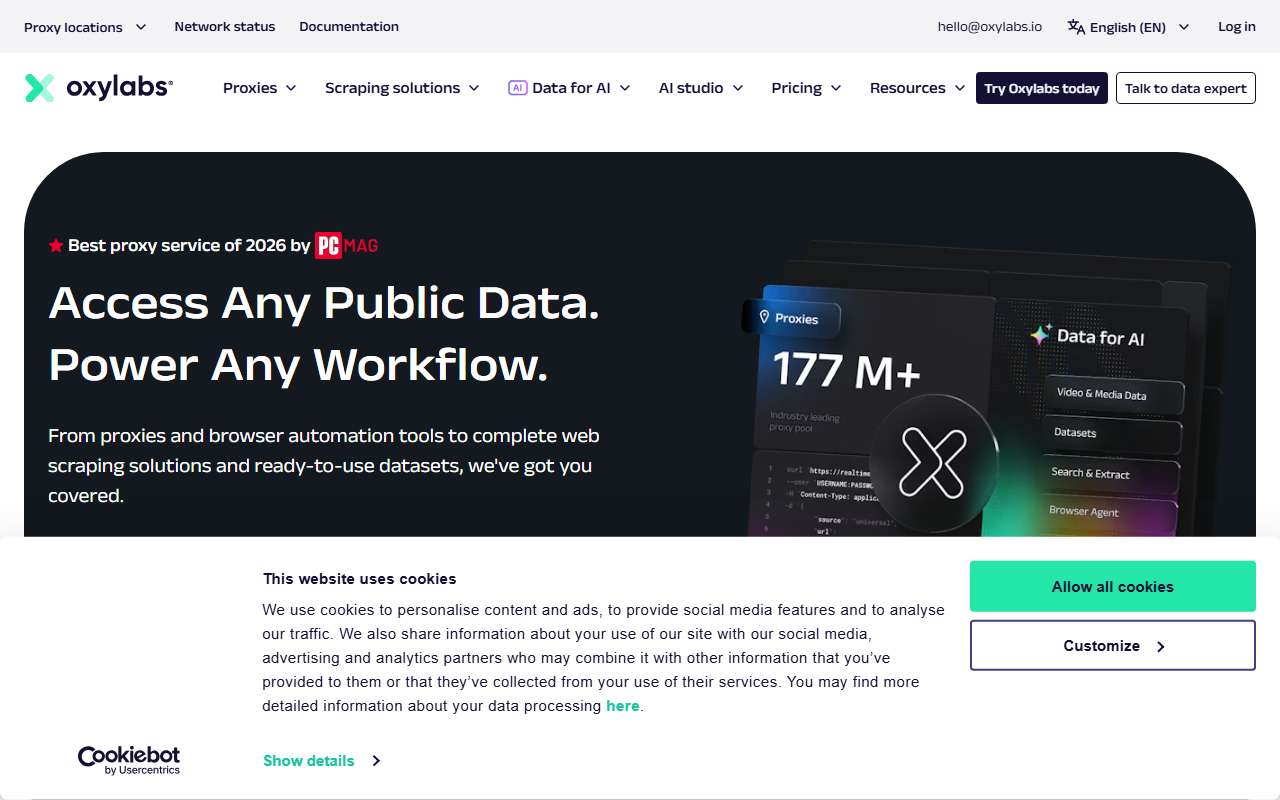
Oxylabs is a general scraper API you point at any Shopify URL, and it suits teams already running an Oxylabs stack who want one API across many sites.
Pricing
Per Oxylabs’ Web Scraper API page in mid-2026, pricing starts at $0.25 per 1,000 results on a pay-only-for-successful-results basis, with a free trial of up to 2,000 results and no credit card. The page quotes the per-result rate rather than itemizing monthly plan tiers, so confirm your committed-volume pricing with Oxylabs before you budget.
Standout features
Per the same page, the Web Scraper API includes a “Universal Source” endpoint that scrapes any public website, which is the route for Shopify since Shopify is not among its named prebuilt targets. It supports JavaScript rendering and structured output, with parsing available through Oxy Parser or raw HTML (Oxylabs cites 129+ data points for Amazon products as an example of parsed depth on supported targets). For Shopify you would use the Universal Source and parse the catalog fields yourself.
Best for
Teams that already use Oxylabs for other targets and want to add Shopify without a new vendor. I could not confirm a Shopify-specific success rate on Oxylabs’ live pages at publish, so treat reliability for this target as unverified and test it yourself.
5. ScrapingBee
ScrapingBee is a developer-friendly HTML API that returns rendered Shopify pages through a single call, with a clean credit model that scales by the features you turn on.
Pricing
Per ScrapingBee’s pricing page in mid-2026, the free trial gives 1,000 API credits with no credit card. Paid plans are Freelance at $49/mo (250,000 credits, 10 concurrency), Startup at $99/mo (1,000,000 credits, 50 concurrency), Business at $249/mo (3,000,000 credits, 100 concurrency), and Business+ at $599/mo (8,000,000 credits, 200 concurrency). Per its documentation in mid-2026, a request with JavaScript rendering (the default) costs 5 credits, premium proxies cost 25 credits with JavaScript or 10 without, and the stealth proxy costs 75 credits.
Standout features
ScrapingBee handles JavaScript rendering, rotating and premium proxies, geotargeting, screenshots, and extraction rules through query parameters, so you can request a Shopify product page, render it, and apply CSS extraction rules in one call. For most Shopify stores, which serve the public products.json feed without rendering, you can skip JS rendering and keep credit cost low; reserve premium and stealth proxies for stores that wall basic requests.
Best for
Developers who want a simple, well-documented API for Shopify pages and predictable credit costs. The entry price is higher than ChocoData’s, so it fits teams that value ScrapingBee’s tooling over the lowest floor. See my ScrapingBee review for the full picture.
6. Scrapfly
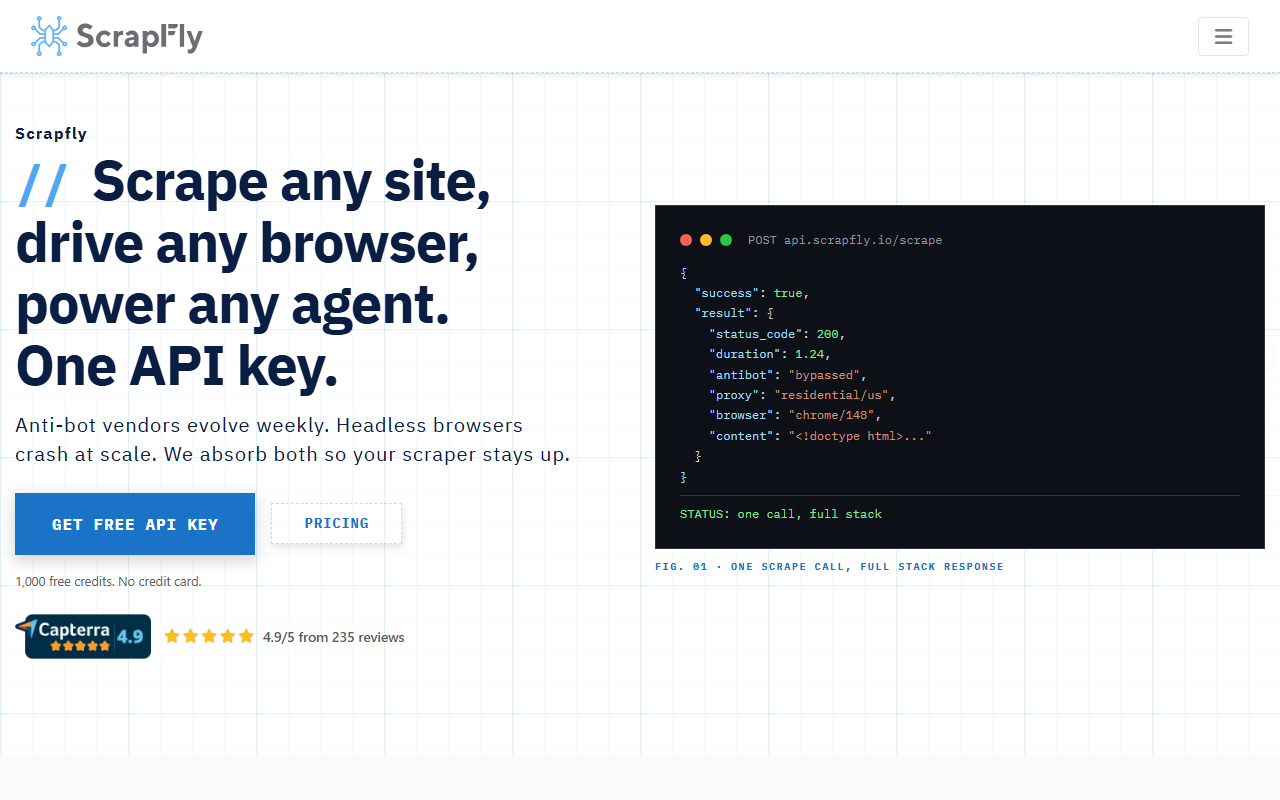
Scrapfly leans on anti-bot bypass, which is the part of Shopify that breaks DIY scripts when a store runs aggressive protection.
Pricing
Per Scrapfly’s pricing page in mid-2026, the Free tier gives 1,000 API credits with no credit card and 5 concurrency. Paid plans are Discovery at $30/mo (200,000 credits, 5 concurrency), Pro at $100/mo (1,000,000 credits, 20 concurrency), Startup at $250/mo (2,500,000 credits, 50 concurrency), and Enterprise at $500/mo (5,500,000 credits, 100 concurrency). Credit cost per request depends on the features you enable, so estimate cost against your Shopify settings using Scrapfly’s calculator before you budget.
Standout features
Per Scrapfly’s documentation in mid-2026, its Anti Scraping Protection (asp=True) handles anti-bot bypass, proxy rotation, and browser fingerprinting automatically, with JavaScript rendering (render_js=True) and country targeting as options. That combination matters for Shopify stores on Plus that layer bot management on top of the platform’s defaults.
Best for
Stores behind heavy anti-bot at scale, where a plain fetch gets challenged. If your Shopify targets serve products.json cleanly, a cheaper universal API will do; reach for Scrapfly when bypass is the bottleneck.
How to choose the right one
Match the tool to your job rather than the headline price.
| If you… | Use | Why |
|---|---|---|
| Scrape Shopify plus many other sites and want low cost | ChocoData | One universal endpoint, structured JSON, from $19/mo with 1,000 free requests |
| Need parsed product and review records delivered in bulk | Bright Data | Dedicated Shopify scraper, per-record billing, 5,000 free records/mo |
| Want a no-code crawl of one store’s full catalog | Apify | Community Shopify actor, “Try for free,” extracts all products structured |
| Already run an Oxylabs stack | Oxylabs | Universal Source for any Shopify URL, pay only for successful results, 2,000 free |
| Want a simple HTML API with clean docs | ScrapingBee | Render plus CSS extraction in one call, 1,000 free credits |
| Keep hitting anti-bot blocks at scale | Scrapfly | ASP bypass, JS rendering, residential proxies; 1,000 free credits |
The honest default for most developers: if Shopify is one of several sources you pull, start on ChocoData’s free 1,000 requests and upgrade to the $19 Vibe plan when you outgrow it. If you need deep parsed product and review data in bulk, Bright Data’s per-record model fits. If you only need one store’s catalog and want zero code, the Apify actor is the fastest path, with the maintenance caveat above.
A practical tip that cuts cost on every option: most Shopify stores expose a public /products.json feed (and /collections/{handle}/products.json), paginated 250 products at a time, that returns titles, variants, prices, and images as plain JSON without JavaScript rendering. Point any universal API at that path and you skip the render surcharge entirely. Reserve full rendering and anti-bot bypass for stores that block the feed.
If you are the store owner: how to prevent Shopify product scraping
You cannot fully prevent Shopify product scraping, because product pages and the products.json feed are public by design. What you can do is raise the cost enough that bulk scraping stops being worth it:
- Rate limit by IP and fingerprint. Bots that page through hundreds of products in seconds stand out. Throttle or challenge traffic that exceeds a human pace.
- Use bot management. Shopify Plus includes bot protection; on any plan you can front your store with Cloudflare or a WAF to challenge automated traffic.
- Watch the tell-tale paths. Sustained hits to
/products.jsonand/collections/allare the classic catalog-scrape signature. Alert on them. - Serve challenges, not hard blocks. A managed challenge degrades scrapers while keeping real shoppers (and Google) unaffected; an outright block on public pages risks SEO and conversions.
None of this stops a determined, well-funded scraper, and it should not break your storefront for real visitors. The realistic goal is deterrence: convert cheap, unattended scraping into an expensive, maintained effort. For the techniques scrapers use, and therefore what you are defending against, see scraping without getting blocked.
How we evaluated these
I compared documented starting price, free tier, Shopify-relevant features, and best fit for each tool, taking every price and feature from the vendor’s own pricing or product page in mid-2026 and attributing it inline. Performance figures are approximate, compiled from vendor-published numbers plus aggregated public sources, and are not bestscraperapi.com’s own first-hand tests; my independent, like-for-like Shopify benchmarks are in progress at how we test. One reminder for budgeting: scraper-API pricing changes frequently, and these tools bill in different units (requests, records, results, or credits), so confirm the current number on the vendor’s own page and check the billing unit before you commit. For the wider category and the DIY path, the web scraping pillar guide covers the tools and tactics behind every option here.
FAQ
No, and any vendor promising that is overselling. Product pages, collection pages, and the public products.json endpoint are served to every visitor, so a determined scraper can read them. What you can do is raise the cost: rate limit by IP, deploy bot management (Shopify Plus includes bot protection and you can layer Cloudflare or a WAF), watch for the /products.json and /collections/all crawl pattern, and serve a challenge to traffic that paginates faster than a human. That converts cheap bulk scraping into an expensive, maintained effort, which deters most actors without breaking your storefront for real shoppers.
Technically /products.json (and /collections/{handle}/products.json) is a public JSON feed Shopify exposes on most stores, paginated 250 products at a time, returning titles, variants, prices, and images without rendering JavaScript. It is the fastest route to a store's catalog and is why Shopify scraping is comparatively easy. Whether you should scrape it is a separate question: check the store's terms, robots.txt, and your jurisdiction's rules on public data before you build, and consult a lawyer for your use case.
Shopify's Admin and Storefront APIs return product, inventory, and order data, but they require the store owner to grant you access (an access token or a private/custom app). You cannot use them to read a competitor's catalog you do not own. For your own store, always use the official API over scraping. For stores you do not control, the public pages and products.json feed are what scraper APIs target.
Common jobs: competitive price and assortment monitoring across rival Shopify storefronts, building a product dataset across many small merchants, tracking new-product launches and stock changes, and pulling reviews for sentiment analysis. Marketers track competitor pricing, founders size a niche by cataloguing the stores in it, and data teams feed product feeds into downstream models. Every tool on this page handles the proxies, rendering, and retries so you are not running that infrastructure yourself.