Best Twitter/X Scraper APIs & Tools
- X (Twitter) scraping splits into two tool shapes: dedicated X parsers that return tweet, profile, and search JSON (Apify actors, Bright Data) and universal scraper APIs you point at any public X URL (ChocoData, Scrapfly, ScrapingBee, Zyte).
- The Apify Tweet Scraper V2 (apidojo) bills $0.40/1,000 tweets with a 50-tweet minimum per query and a $5 monthly free credit; the cheaper kaitoeasyapi Tweet Scraper runs about $0.18/1,000 tweets pay-per-result.
- Documented entry prices in mid-2026 run from $0 free tiers (ChocoData, Bright Data, Apify, Scrapfly, ScrapingBee, Zyte), then $19/mo (ChocoData) and $30/mo (Scrapfly) up to $499/mo (Bright Data Scale).
- ChocoData is my top value pick for general use: one universal endpoint plus 250+ dedicated endpoints across 235 sites, from $19/mo with a free 1,000 requests/mo, pointed at any public X URL.
- Speed and success figures below are approximate, compiled from vendor-published numbers and public reports, not bestscraperapi.com's own tests. Like-for-like benchmarks are in progress (how we test).
X (formerly Twitter) is one of the hardest mainstream platforms to scrape since the 2023 API lockdown, with login walls on many views, aggressive rate limits, and an official API that prices broad read access out of reach for most projects, so the practical question is which managed service pulls tweets, profiles, and search results for you without you reverse-engineering X’s internal endpoints. This page compares the X scraping tools I would actually shortlist in 2026, led by ChocoData for value, including the Apify Twitter scraper actor people search for by name, on the things that decide a purchase: starting price, free tier, which X data they cover, and published speed.
One disclosure up front: bestscraperapi.com earns affiliate commissions from some of the vendors listed here. That does not change which tools make the list, how I rank them, or what I write. The pricing comes straight from each vendor’s own page, and the ranking follows documented price and features, not payout.
A second note on the performance numbers further down. The speed and success-rate figures are approximate, compiled from each vendor’s own published figures plus aggregated public reports. They are not bestscraperapi.com’s own first-hand tests. Vendors measure success on their own targets under their own conditions, so the numbers are directional, not apples to apples. My independent, like-for-like X benchmarks are still in progress; see how we test for the methodology and check back for measured results.
| Rank | Tool | Starting price | Free tier | Best for |
|---|---|---|---|---|
| 1 | ChocoData | $19/mo (Vibe) | 1,000 requests/mo (no card) | Scraping public X plus other sites through one low-cost API |
| 2 | Apify | $0.40/1,000 tweets (Tweet Scraper V2) | $5 usage/mo (no card) | A prebuilt X actor you run on demand without building one |
| 3 | Bright Data | $1.50/1,000 records (pay-as-you-go) | 5,000 records/mo (no card) | Large structured X datasets into a warehouse |
| 4 | Scrapfly | $30/mo (Discovery) | 1,000 credits (no card) | A render API with an X playbook and per-request cost control |
| 5 | ScrapingBee | $49/mo (Freelance) | 1,000 credits (no card) | Simple X page fetches with JS rendering and one API key |
| 6 | Zyte | Pay-as-you-go from ~$1.01/1,000 | $5 credit (no card) | Tiered pay-as-you-go with automatic ban handling |
A note on comparing these prices: the tools bill in different units, so the starting prices are not directly comparable on volume. ChocoData, Scrapfly, and ScrapingBee sell requests or credits; Bright Data charges per delivered X record; the Apify actors give you a dollar usage balance and then bill per tweet; Zyte bills per request on a complexity tier. Read the included volume next to each price, and check the per-result or per-credit rate before you commit. Whether a tool returns named per-tweet fields or a raw page payload also changes what a “request” buys you, covered per brand below.
1. ChocoData
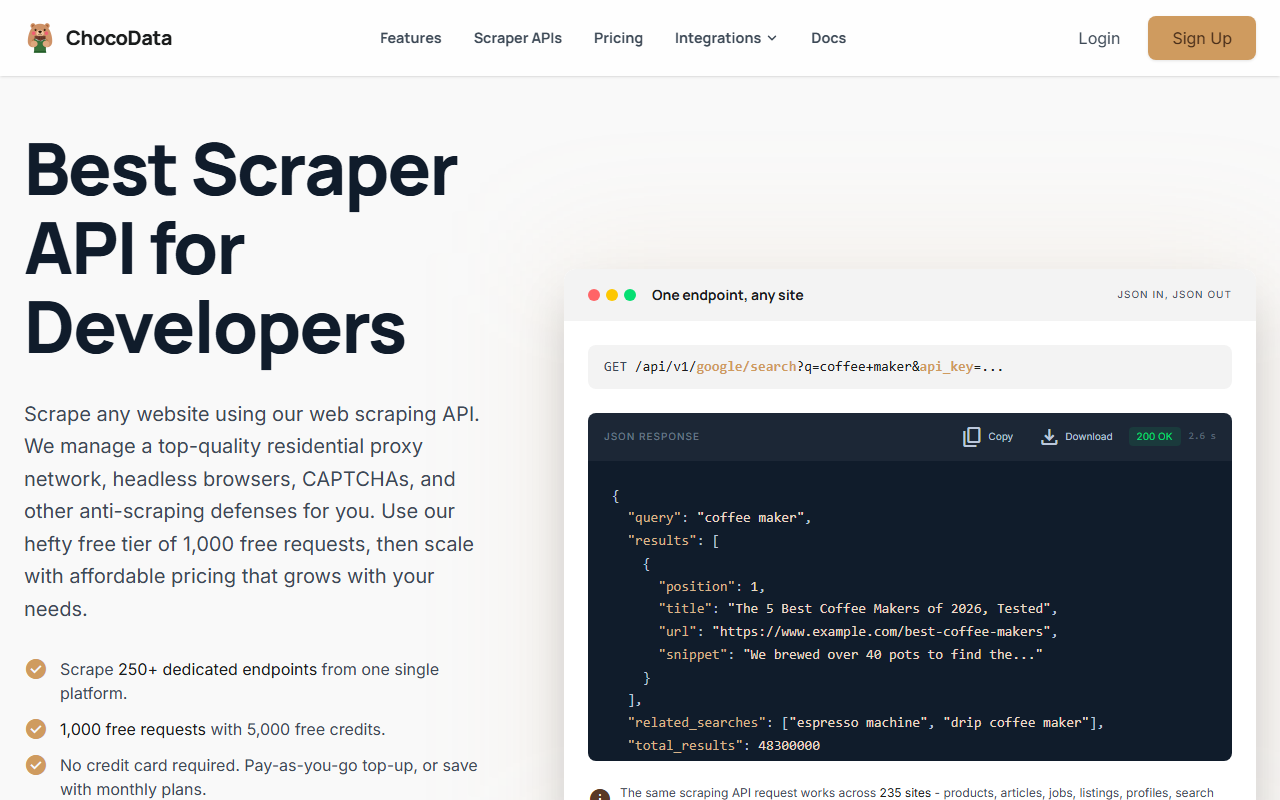
ChocoData is my top value pick when X is one target among several, because one universal endpoint plus 250+ dedicated endpoints across 235 sites covers public X pages and the rest of your scraping from a single low-cost API. It is the cheapest documented monthly entry on this list that also reaches X, and the free tier is generous enough to evaluate before you pay.
Pricing
Per ChocoData’s own pricing page in mid-2026, paid plans start at $19/mo (Vibe, 27,000 requests, 30 concurrent) with a free tier of 1,000 requests/mo (5,000 credits) and no credit card. Pay-as-you-go is $0.90 per 1,000 successful requests on any plan, and the balance does not expire. You only pay for 2xx responses; one request is 5 credits, plus 10 more if you enable JavaScript rendering.
Standout features
The call shape is one REST pattern, /api/v1/{site}/{resource}?api_key=..., and the universal endpoint accepts any public URL, so you point it at an X profile, tweet, or search page and get the rendered payload back with residential IPs and optional JS rendering handled for you. ChocoData lists a social-platforms category among its 17 categories and ships official SDKs for Python, Node.js, and Go, plus a CLI and an MCP server. Published latency is a median of 2.6 seconds across all 235 sites (approximate, compiled from vendor + public sources, not first-hand).
Where it falls short
ChocoData does not publish a named per-field X parser, so you extract tweets and profile fields from the JSON or HTML of public pages rather than getting Bright Data-style guaranteed named columns. Its latency percentiles are measured all-sites, not X-only, and its 235-target catalogue is smaller than the largest dedicated data vendors. Best for: developers and founders scraping X alongside e-commerce, search, or other social pages who want one cheap API. See ChocoData at chocodata.com.
2. Apify
Apify is the pick when you want a ready-made X parser you run on demand, because its Store actors return tweets, profiles, and search results as structured JSON without you writing selectors or hitting X’s internal endpoints yourself. This is the tool most people mean when they search for the Apify Twitter scraper, and there are several competing actors at different price and feature points.
Pricing
The most-used option, the Tweet Scraper V2 by apidojo, bills $0.40 per 1,000 tweets per the actor’s page in mid-2026, with a minimum of 50 tweets returned per query and a free-user cap of 5 runs a month at 10 items each. A cheaper alternative, the kaitoeasyapi Tweet Scraper, advertises about $0.18 per 1,000 tweets pay-per-result. Both run on Apify’s platform plans: Free $0 (with $5 in monthly usage credit), Starter $29/mo, Scale $199/mo, and Business $999/mo, per Apify’s pricing page.
Standout features
The Tweet Scraper V2 accepts X advanced-search query syntax, profile handles, and tweet, profile, search, and list URLs, and exports JSON. It captures tweet text, engagement metrics (retweets, likes, replies, quotes, bookmarks), user fields (handle, follower count, verification, profile picture), language, creation date, and media. The actor’s page reports throughput of 30 to 80 tweets per second and supports 100,000-plus tweets from a single query (approximate, vendor-published, not first-hand).
Where it falls short
The 50-tweet-per-query minimum on Tweet Scraper V2 makes single-tweet or small lookups awkward; the vendor points those users to a different actor. Pay-per-tweet on top of a platform plan makes total cost harder to predict at scale, and actor quality varies across the Store, so vet the specific actor before committing. Best for: anyone who wants X JSON today without building a scraper, especially for search queries and bulk profile pulls.
3. Bright Data
Bright Data is the pick for X data at dataset scale with enterprise delivery, because it ships dedicated X scrapers and pipes the output straight into cloud storage with named fields. It is the heaviest option here on onboarding, and the one data teams reach for when the output feeds a warehouse rather than a script.
Pricing
Per Bright Data’s Web Scraper API pricing in mid-2026, X scraping is pay-as-you-go at $1.50 per 1,000 records (charged only for successful deliveries), with a Scale plan at $499/mo including 384,000 records then $1.30 per 1,000 additional, and custom enterprise pricing. The free tier is 5,000 records per month with no credit card. The page also showed a 25% six-month promo code at time of capture; treat promos as temporary.
Standout features
Bright Data offers dedicated X scrapers for posts (by URL or user profile) and profiles (with verification status and biographical data), returning named fields rather than a raw page. Output comes as JSON, NDJSON, CSV, or compressed .gz, with delivery to Amazon S3, Google Cloud Storage, Azure, Snowflake, and SFTP. That delivery surface, plus a published 99.99% uptime claim, is the real differentiator for pipelines (approximate, vendor-published, not first-hand).
Where it falls short
The $499/mo Scale plan is a steep step up from pay-as-you-go for smaller projects, and per-record economics get expensive versus credit APIs at very high volume. Enterprise-shaped onboarding is heavier than a single API key. Best for: data teams loading large, recurring X datasets into a warehouse. Solo developers who need a few thousand tweets occasionally will find lighter tools cheaper.
4. Scrapfly
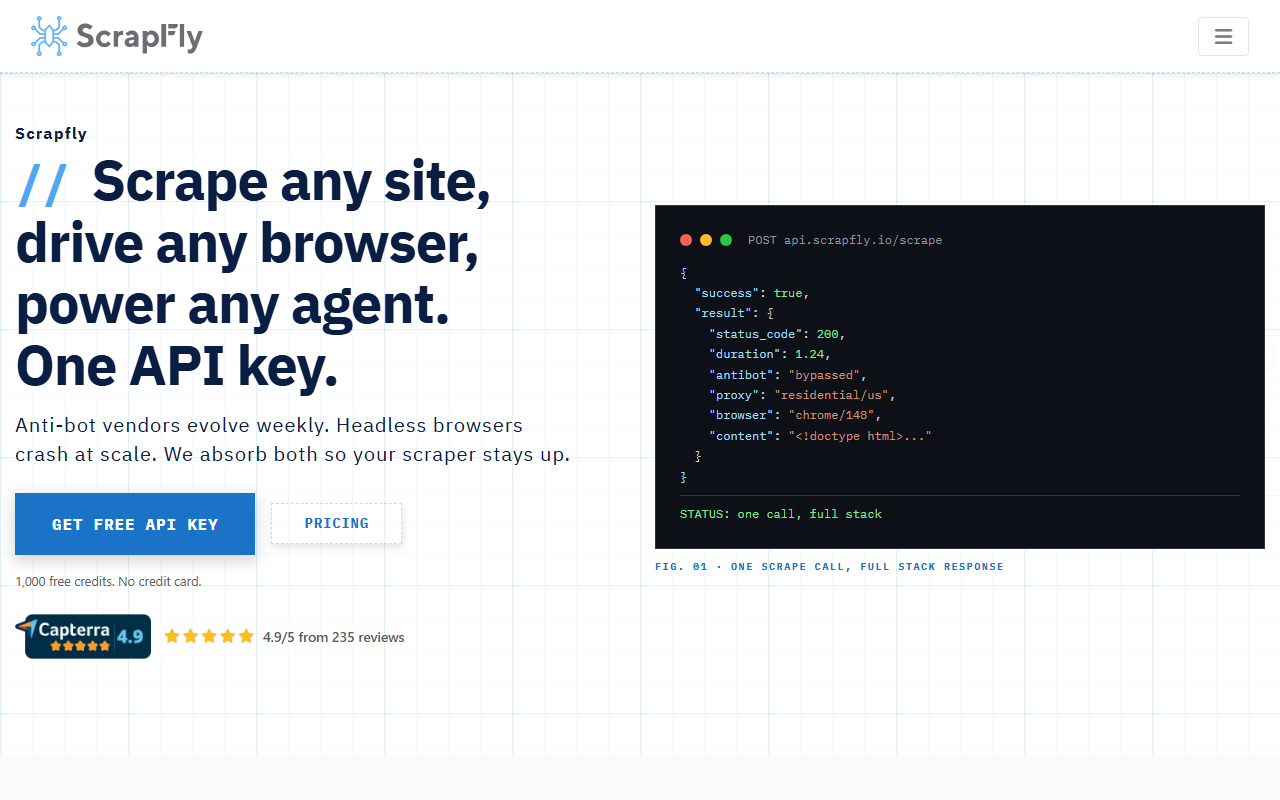
Scrapfly is the pick when you want a general render API with fine-grained per-request cost control and a documented X playbook, because it lets you toggle exactly the anti-scraping features each request needs and pay accordingly. It publishes a detailed how-to-scrape-Twitter guide, so the X workflow is mapped out rather than left to you.
Pricing
Per Scrapfly’s pricing page in mid-2026, the free tier is 1,000 API credits on signup (5 concurrent, no card). Paid plans are Discovery $30/mo (200,000 credits), Pro $100/mo (1,000,000 credits), Startup $250/mo (2,500,000 credits), and Enterprise $500/mo (5,500,000 credits), with annual billing giving two months free. Credit cost per request rises when you enable JavaScript rendering, anti-scraping protection bypass, residential proxies, or country targeting, so a hard X page costs more credits than a simple one.
Standout features
Scrapfly handles JS rendering, residential proxies, and anti-bot bypass behind one API, and its cost estimator lets you price a request before you send it. For X specifically, the vendor’s blog documents pulling profiles and tweets from the public GraphQL responses, which is the kind of mapping that saves you reverse-engineering time. Discovery and free tiers enforce hard quotas; Pro and above add pay-as-you-go overflow.
Where it falls short
Like other render APIs here, Scrapfly returns the page payload rather than named per-tweet fields, so you still write the parsing. The variable credit cost per request makes budgeting less predictable than a flat per-result rate until you know which features your X target needs. Best for: developers who want one render API across many sites, with X as one of them, and granular control over per-request spend.
5. ScrapingBee
ScrapingBee is the pick when you want the simplest possible “send a URL, get the rendered HTML back” experience for public X pages behind one API key. It is a general-purpose render and proxy API rather than an X specialist, so it suits light X jobs alongside other scraping.
Pricing
Per ScrapingBee’s pricing page in mid-2026, the free trial is 1,000 API credits with no credit card. Paid plans are Freelance $49/mo (250,000 credits, 10 concurrent), Startup $99/mo (1,000,000 credits, 50 concurrent), Business $249/mo (3,000,000 credits, 100 concurrent), and Business+ $599/mo (8,000,000 credits). JavaScript rendering and premium or residential proxies cost more credits per request, which matters for an interactive X page.
Standout features
ScrapingBee handles headless-browser rendering, proxy rotation, and geotargeting behind a single endpoint, and the API is deliberately minimal, which keeps integration fast. It is a sensible default when X is a minor part of a broader scraping job and you would rather not run your own browser fleet. Pricing is exclusive of VAT, and plans cancel anytime.
Where it falls short
There is no dedicated X parser, so you fetch the page and parse tweets yourself, and the credit cost rises once you turn on JS rendering and premium proxies for a logged-out X view. At high X volume, a per-tweet actor or a cheaper credit API usually wins on unit cost. Best for: teams already on ScrapingBee for general scraping who need occasional public X page fetches without adding another vendor.
6. Zyte
Zyte API is the pick when you want pay-as-you-go scraping with automatic ban handling and a tiered price that scales with page difficulty, because it picks the cheapest method that gets through and charges by complexity tier. It is a general scraping API rather than an X-specific product, so X is one target among many.
Pricing
Per Zyte’s pricing page in mid-2026, you start with $5 in free credit (30 days, no commitment). Pay-as-you-go HTTP responses run from $0.13 per 1,000 requests on the simple tier up to $1.27 on the advanced tier, while browser-rendered requests, which a logged-out X page typically needs, run from $1.01 per 1,000 on the simple tier up to $16.08 on the advanced tier. Monthly commitment plans ($100, $200, $500, or enterprise) apply discounted rates, and you are billed at your current rate if you exceed the plan.
Standout features
Zyte automatically rotates IPs, solves CAPTCHAs, renders JavaScript, and manages sessions, and it auto-selects the cheapest tier that succeeds, so you do not hand-tune anti-ban settings per request. All subscription tiers include the full feature set with no restrictions, which keeps the model simple once you understand the complexity tiers.
Where it falls short
The complexity-tier pricing is the least transparent to forecast here, since you do not always know in advance which tier an X page will land in, and browser-rendered advanced-tier requests get expensive fast. Like the other render APIs, Zyte returns the page, not named per-tweet fields. Best for: teams that want broad-site coverage with automatic ban handling and are comfortable estimating tier mix.
How to choose the right one
Pick by job shape, since these tools bill and parse differently. The matrix below maps common scenarios to the tool I would start with, using documented mid-2026 pricing and features.
| Your scenario | Start with | Why |
|---|---|---|
| X is one of several sites you scrape | ChocoData | One endpoint, 235 sites, $19/mo, free 1,000 requests |
| You want X tweet JSON today, no build | Apify (Tweet Scraper V2) | Prebuilt actor, $0.40/1,000 tweets, $5 free credit |
| Lowest unit cost on bulk tweets | Apify (kaitoeasyapi) | About $0.18/1,000 tweets pay-per-result |
| Large recurring X datasets into a warehouse | Bright Data | Dedicated scrapers, S3/Snowflake delivery, delivery billing |
| Many sites, X included, with per-request cost control | Scrapfly | Toggle features per request, documented X playbook |
| Simplest URL-to-HTML for occasional X pages | ScrapingBee | Minimal render API, one key, free 1,000 credits |
| Pay-as-you-go with automatic ban handling | Zyte | Complexity-tiered pricing, $5 free credit |
If budget is the only constraint and X is one target among many, ChocoData’s $19/mo plus free tier is the lowest documented entry that still covers it. If you need named per-tweet fields with zero parsing work, the Apify Tweet Scraper V2 or Bright Data’s X scrapers earn their per-result premium, and Apify is the one to start with for on-demand pulls. For the do-it-yourself route, see my web scraping guide and the tactics in scraping without getting blocked.
How we evaluated these
Every price and feature here is transcribed from each vendor’s own pricing or product page in mid-2026 and attributed inline, because review-site numbers go stale fast and pricing pages move. The performance and speed figures are approximate, compiled from vendor-published numbers plus aggregated public sources, and are not bestscraperapi.com’s own first-hand tests; my independent, like-for-like X benchmarks are still in progress, with the full methodology at how we test. Pricing is current as of mid-2026 and may change without notice, so open the vendor’s pricing page and confirm the number before you budget.
FAQ
Not for cheap scraping. X's official API has a free tier that is write-mostly and read-starved (a few thousand reads a month), a Basic tier around $200/month, and a Pro tier in the thousands per month, with full-archive search and high read volume reserved for the most expensive tiers. That pricing, plus per-project caps, is why most developers who need broad public tweet and profile data at volume use scraper APIs against X's public pages, while accepting that doing so breaches X's Terms of Service.
At mid-2026 list rates, about $40 on the Apify Tweet Scraper V2 ($0.40 per 1,000 tweets) or roughly $18 on the cheaper kaitoeasyapi Tweet Scraper (about $0.18 per 1,000). On Bright Data pay-as-you-go it is about $150 ($1.50 per 1,000 X records). On a universal credit API like ChocoData, 100,000 successful page requests cost about $90 at the $0.90/1,000 pay-as-you-go rate, or less inside a monthly plan, though each request is a page rather than a guaranteed per-tweet record. Billing units differ, so confirm current numbers on each vendor's pricing page before budgeting.
The dedicated X tools (Apify Tweet Scraper V2, Bright Data X scrapers) return tweets with engagement metrics, profiles with follower counts and verification, search results by query, replies, quotes, and media. Apify accepts search terms in X advanced-search syntax, profile handles, tweet URLs, and list URLs. Universal APIs (ChocoData, Scrapfly, ScrapingBee, Zyte) return the rendered page payload for any public X URL, so you parse the JSON or HTML yourself rather than getting named per-tweet fields. None reliably reach content behind login, protected accounts, or DMs.
There are three layers. Scraping public X data likely does not violate the US Computer Fraud and Abuse Act under the Ninth Circuit's hiQ v. LinkedIn reasoning on public pages. Separately, it breaches X's Terms of Service whichever tool you use, and X has litigated aggressively against scrapers. And tweets and profiles tied to identifiable people are personal data under GDPR. A managed API only changes who runs the proxies; the contract and data-protection risk stay with you. See my is-web-scraping-legal guide for the full framing.