Best Yellow Pages Scraper APIs & Tools
- Yellow Pages sits behind Cloudflare and only serves US IPs, so web scraping Yellow Pages at volume needs US geotargeting plus anti-bot bypass, not a plain HTTP client.
- The tools split two ways: dedicated Apify actors that return parsed business and review JSON, and universal scraper APIs (ChocoData, Oxylabs, Bright Data, ScrapingBee, ScraperAPI, Scrapfly) you point at any Yellow Pages URL.
- ChocoData is my top value pick: one universal endpoint plus 250+ structured endpoints across 235 sites, from $19/mo with 1,000 free requests/mo and no card.
- Documented free tiers in mid-2026: $0 at ChocoData (1,000 req/mo), Bright Data (5,000 req/mo), Oxylabs (2,000 results), ScraperAPI (1,000 credits), plus a 1,000-credit ScrapingBee trial and an Apify $5 usage credit.
- Speed and success figures below are approximate, compiled from vendor-published numbers and public sources, not first-hand. Like-for-like benchmarks are pending (how we test).
Yellow Pages still indexes millions of US businesses with phone, address, category, and rating, which makes it a steady source for lead lists, local SEO research, and market sizing. The catch is that a plain script does not get the page: Yellow Pages sits behind Cloudflare and serves content only to US IPs, so web scraping Yellow Pages at volume needs US residential proxies plus anti-bot bypass. This page compares the Yellow Pages scraper APIs and tools I would actually shortlist in 2026, with ChocoData as my top value pick, on the things that decide a purchase: starting price, free tier, US-IP and anti-bot handling, and best fit. Every price and feature comes from the vendor’s own pricing or product page in mid-2026, attributed inline, because review-site numbers go stale fast and pricing pages move.
One disclosure up front: bestscraperapi.com earns affiliate commissions from some of the vendors listed here. That does not change which tools make the list, how I rank them, or what I write. The pricing comes straight from each vendor’s own page, and the ranking follows documented price and features, not payout.
A second note on the performance numbers further down. The speed and success-rate figures are approximate, compiled from each vendor’s own published figures plus aggregated public sources. They are not first-hand tests. Vendors measure on their own targets under their own conditions, so the numbers are directional. My independent, like-for-like Yellow Pages benchmarks are pending; see how we test for the methodology and check back for measured results.
| Rank | Tool | Starting price | Free tier | Best for |
|---|---|---|---|---|
| 1 | ChocoData | $19/mo (Vibe) | 1,000 requests/mo, no card | One API for Yellow Pages plus every other source |
| 2 | Apify (Yellow Pages actors) | Pay-per-result (~$10/mo rental option) | $5 usage credit, no card | No-code parsed business and review JSON |
| 3 | Oxylabs Web Scraper API | $49/mo (Micro) | 2,000 results, no card | Teams already on an Oxylabs stack |
| 4 | Bright Data Web Unlocker | $1.50/1k requests (PAYG) | 5,000 requests/mo, no card | Hardest Cloudflare bypass at scale |
| 5 | ScrapingBee | $49/mo (Freelance) | 1,000-credit trial, no card | Solo devs who want clean docs and screenshots |
| 6 | ScraperAPI | Free $0 (1,000 credits) | 1,000 credits + 7-day 5,000 trial | A credit-based general API to test cheaply |
| 7 | Scrapfly | Pricing on its site | Free credits (verify at source) | Anti-bot-heavy pages with US geotargeting |
The tools bill in different units, so the starting prices are not directly comparable on volume: ChocoData and ScraperAPI sell requests or credits, Bright Data charges per successful request, Oxylabs charges per result, the Apify actors charge per result or a rental plus usage, and ScrapingBee and Scrapfly sell credits whose cost varies by the features you enable. Read the included volume next to each price before you budget.
1. ChocoData
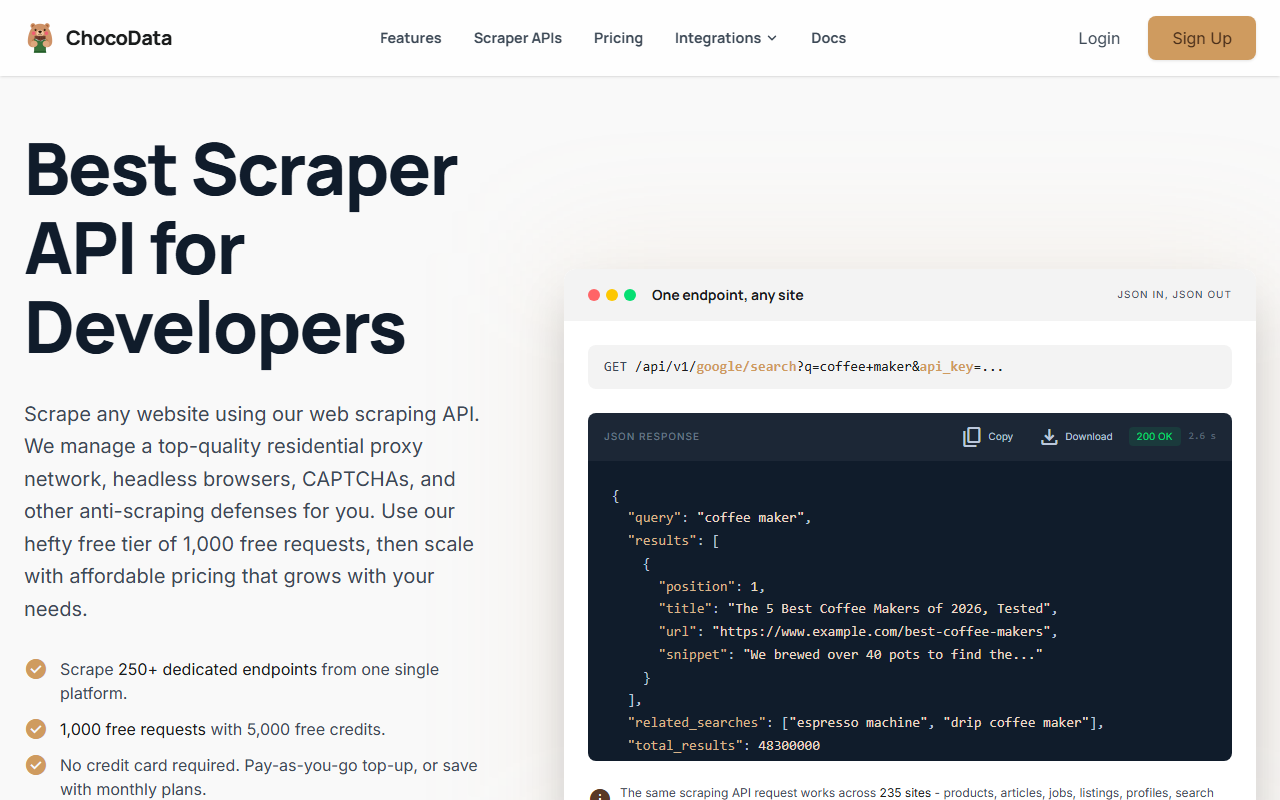
ChocoData is my top value pick for web scraping Yellow Pages, because one universal endpoint plus 250+ structured endpoints covers Yellow Pages and the rest of your scraping from a single low-cost API. You point the universal endpoint at a Yellow Pages listing or search URL and get the page back with residential IPs and JavaScript rendering handled, so you scrape Yellow Pages alongside every other source through the same integration instead of bolting on a separate directory tool.
Pricing
Per ChocoData’s pricing page in mid-2026, paid plans start at $19/mo (Vibe, 27,000 requests, 30 concurrent), with a free tier of 1,000 requests/mo (5,000 credits, 10 concurrent) and no credit card. Billing is 5 credits per request, +10 for JavaScript rendering, and only 2xx responses are charged. Pay-as-you-go runs $0.90 per 1,000 successful requests on any plan. That $19 entry is the lowest documented monthly price in this list.
Standout features
The call shape is one REST pattern across 235 supported sites, and 250+ of the endpoints return validated structured JSON. For Yellow Pages you use the universal route with US-region residential IPs and clear the Cloudflare wall without managing proxies yourself. Charging only successful requests means a blocked page costs nothing, which matters on a Cloudflare-fronted target where some requests will retry.
Best for
Developers and founders scraping Yellow Pages as one of several sources who want one cheap API. ChocoData does not list a dedicated Yellow Pages endpoint in mid-2026, so you parse the JSON-LD fields (name, phone, address, rating, review count) from the returned page rather than getting guaranteed named fields. Confirm the current target list in its docs. See ChocoData at chocodata.com.
2. Apify (Yellow Pages actors)
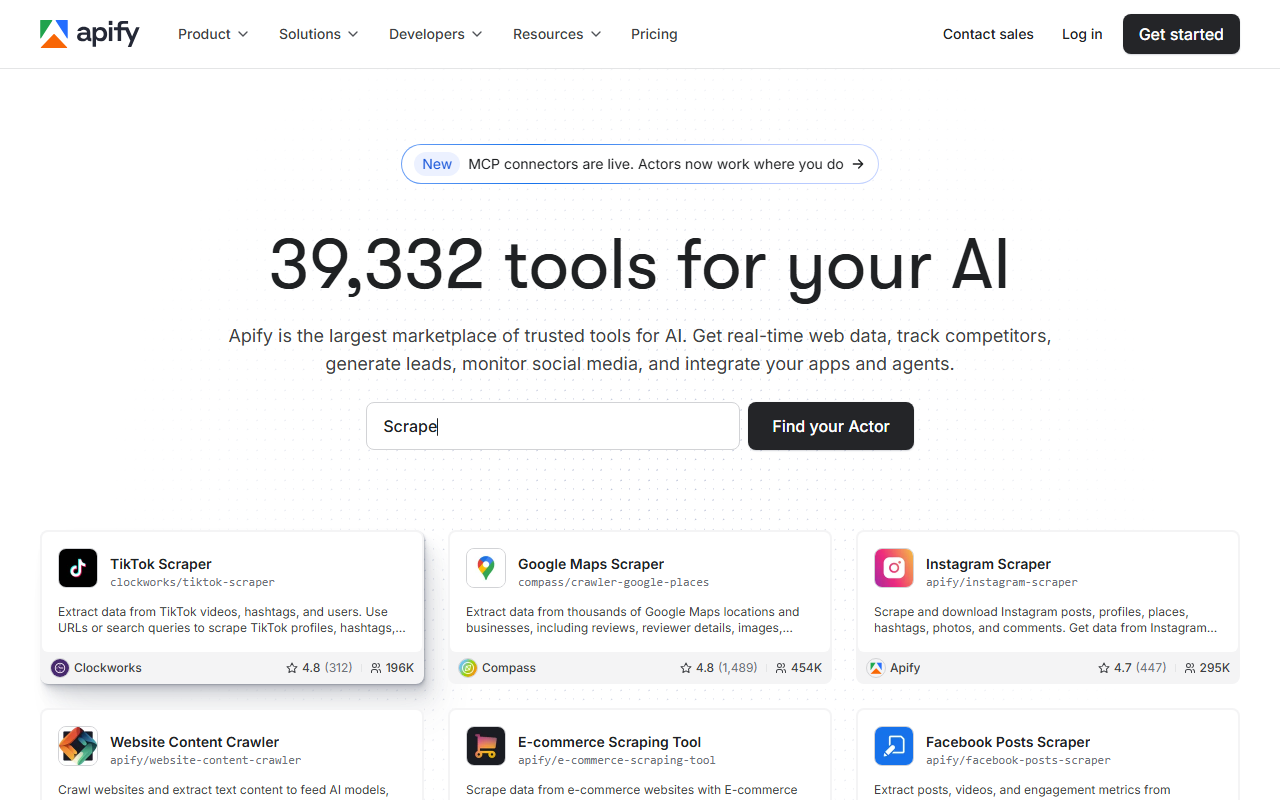
Apify is the pick when you want parsed Yellow Pages JSON without writing a scraper, because the marketplace hosts dedicated Yellow Pages actors that return business and review fields directly. Two are worth knowing: the trudax Yellow Pages US Scraper and the mcdowell Yellow Pages actor.
Pricing
Per the actor pages in mid-2026, the trudax Yellow Pages US Scraper runs on a pay-per-event model with average consumption around 0.04 compute units per 2,000 results scraped, so you pay platform usage rather than a flat per-record fee. The mcdowell Yellow Pages actor lists a $10/mo rental plus usage. Both sit on Apify’s platform plans: Free ($0, $5 usage credit, no card), Starter $29/mo, Scale $199/mo, Business $999/mo, per Apify’s pricing page in mid-2026.
Standout features
The trudax actor returns business name, address, phone number, ratings, review counts, additional snippets, images, and categories, and accepts a search term plus location (for example “Dentist” in “Los Angeles”) or direct Yellow Pages list URLs, with output as JSON, XML, CSV, Excel, or HTML. Its page shows a 3.8 out of 5 rating across 3 reviews and about 4.8K total users. The mcdowell actor is leaner: it extracts names, addresses, categories, and phone numbers, and shows a 2.0 out of 5 rating across 2 reviews and 612 users.
Where it falls short
The two actors point in different directions on quality, so check the rating and the field list before committing, and test on a small run first. Neither publishes a like-for-like success rate on Yellow Pages. For a deeper look at the platform overall, see my Apify review.
3. Oxylabs Web Scraper API
Oxylabs is the pick for teams already running its stack, because its Web Scraper API exposes a Universal Source for any URL not on its prebuilt list, which is the route for Yellow Pages since Yellow Pages is not a named target.
Pricing
Per the Web Scraper API pricing page in mid-2026, paid plans start at Micro $49/mo (up to 98,000 results), then Starter $99/mo (220,000) and Advanced $249/mo (622,500). The free trial gives up to 2,000 results with no credit card at a 10 requests/second cap; paid plans run at 50 requests/second. The model is pay only for successful results, so failed requests after internal retries are not charged.
Standout features
The per-1,000-result rate on the “other sites” column (which is where Yellow Pages lands) runs about $0.95 to $1.15 depending on tier, rising to $1.25 to $1.35 with JavaScript rendering, per its pricing page. Geotargeting supports US localization, which Yellow Pages requires, and the Universal Source returns raw HTML you parse yourself. The headline “$0.25 per 1,000” on the product page sits below any rate in the plan table, so confirm the current figure at the source.
Best for
Teams that already use Oxylabs for search or e-commerce targets and want to add Yellow Pages through the same API. Entry price sits above the budget rivals here, and there is no Yellow Pages-specific parser, so it is the better fit when you value the existing integration over the lowest price. See my Oxylabs review.
4. Bright Data Web Unlocker
Bright Data is the pick when Cloudflare is your main pain, because its Web Unlocker is built to clear anti-bot challenges on arbitrary URLs. Bright Data does not publish a dedicated Yellow Pages scraper page in mid-2026, so the Web Unlocker is the route for Yellow Pages rather than a named dataset.
Pricing
Per Bright Data’s Web Unlocker page in mid-2026, pricing is pay-as-you-go at $1.50 per 1,000 successful requests, with a free tier of 5,000 requests per month and no credit card, plus a $499/mo plan including 380,000 requests then $1.30 per 1,000. It charges only for successful deliveries.
Standout features
The Web Unlocker page states it supports a broad, continuously updated range of anti-bot systems and CAPTCHA types, including Cloudflare Turnstile, Akamai Bot Manager, and reCAPTCHA variants across 30+ solutions, drawing on a residential pool Bright Data states is 400M+ IPs across 195 countries. For a Cloudflare-fronted, US-only target like Yellow Pages, that bypass plus US IPs is the core of what you are buying.
Where it falls short
The Web Unlocker returns unlocked HTML for API-based scraping, so you parse the JSON-LD fields yourself, and its docs note it is not made for use inside browsers or third-party tools. Bright Data also runs a KYC and compliance review on sign-up, so budget extra onboarding time versus a card-only service. See my Bright Data review.
5. ScrapingBee
ScrapingBee is the pick for a solo developer who wants clean docs and a fast start, because it wraps proxies, rendering, and screenshots behind one well-documented endpoint you point at any Yellow Pages URL.
Pricing
Per ScrapingBee’s pricing page in mid-2026, paid plans are Freelance $49/mo (250,000 credits, 10 concurrent), Startup $99/mo (1,000,000), Business $249/mo (3,000,000), and Business+ $599/mo (8,000,000). There is no recurring free plan, just a one-time 1,000-credit trial with no card. JavaScript rendering is on by default at 5 credits per request; a static fetch (render_js=false) drops to 1 credit.
Standout features
For Yellow Pages, the levers that matter are premium proxies (10 to 25 credits) and stealth proxies (75 credits) for hard anti-bot pages, plus US geotargeting and a JS scenario engine. It charges only for successful requests, which it defines as HTTP 200 and 404, so a Cloudflare block does not burn credits. The AI extraction (ai_query) can pull structured fields without writing selectors.
Where it falls short
Rendering on by default surprises new users with a 5x credit burn, and stealth-proxy calls at 75 credits each add up fast on a Cloudflare target that needs them. There is no Yellow Pages-specific endpoint, so you parse the result yourself. See my ScrapingBee review.
6. ScraperAPI
ScraperAPI is the pick for a credit-based general API you can test cheaply, because it offers a no-card free tier and handles proxies, rendering, and geotargeting behind one endpoint you point at Yellow Pages URLs.
Pricing
Per ScraperAPI’s documentation in mid-2026, the Free plan gives 1,000 credits a month (5 threads), and the trial adds 5,000 credits for the first 7 days. Confirmed paid tiers are Professional $975/mo (10.5M credits) and Advanced $1,975/mo (21.5M credits); the lower paid tiers are set on a slider I could not confirm from a primary source, so verify those at the pricing page. Billing is 1 credit per plain GET, 10 for JavaScript rendering or premium proxies, and 30 for ultra-premium.
Standout features
For Yellow Pages, the relevant cost is the premium or ultra-premium proxy tier, since clearing Cloudflare needs harder-to-detect IPs. ScraperAPI charges only for successful requests, and geotargeting on lower tiers covers US and EU regions, which suits a US-only target. The full 70-entry country list unlocks on higher tiers.
Best for
Developers validating a Yellow Pages parse on a free tier, or teams already running ScraperAPI for other targets. There is no dedicated Yellow Pages endpoint, so you write and maintain the selectors, and render-plus-premium requests burn 10 to 30 credits each, so real costs climb on a Cloudflare target. See my ScraperAPI review.
7. Scrapfly
Scrapfly is the pick when anti-bot bypass is the whole problem, because its documentation specifically covers scraping Yellow Pages and leans on the part that breaks DIY scripts at scale.
Pricing
Scrapfly sells API credits whose cost per request depends on the features you enable (JavaScript rendering, Anti Scraping Protection, residential proxies, country targeting). It offers a free tier with credits, but confirm the current credit count and paid-tier prices on its pricing page before you budget, since the slider and credit costs move.
Standout features
Per Scrapfly’s own Yellow Pages documentation in mid-2026, it recommends three features for the target: Anti Scraping Protection (asp=True) to bypass blocking, country targeting (country="US") because Yellow Pages is only accessible to US IPs, and JavaScript rendering (render_js=True) for dynamic content. Its guide also documents the pagination pattern: pull total result counts from an initial request, then fetch remaining pages concurrently, with reviews paging at roughly 20 per page.
Best for
Teams hitting anti-bot walls on Yellow Pages who want a documented, target-specific recipe. Credit cost per request varies with the features you turn on, so estimate against your Yellow Pages settings (ASP plus US targeting plus rendering) before you commit.
How to choose the right one
Match the tool to the job rather than the headline price. The table below maps the common Yellow Pages jobs onto the option I would shortlist for each.
| If you… | Use | Why |
|---|---|---|
| Scrape Yellow Pages plus many other sites at low cost | ChocoData | One universal endpoint, structured JSON, from $19/mo with 1,000 free requests |
| Want parsed business and review JSON with zero scraper code | Apify (trudax actor) | Dedicated US Yellow Pages actor, named fields, free to try |
| Already run an Oxylabs stack | Oxylabs | Universal Source for Yellow Pages URLs, pay only for successful results, 2,000 free |
| Keep hitting Cloudflare blocks at scale | Bright Data Web Unlocker | 30+ anti-bot systems, US residential IPs, 5,000 free requests/mo |
| Want clean docs, screenshots, and a fast solo start | ScrapingBee | JS rendering, stealth proxies, AI extraction; 1,000-credit trial |
| Test a Yellow Pages parse on a no-card free tier | ScraperAPI | 1,000 free credits, general API across many targets |
| Need a documented anti-bot recipe for Yellow Pages | Scrapfly | ASP plus US targeting plus rendering, with a YP-specific guide |
The honest default for most developers: if Yellow Pages is one of several sources you pull, start on ChocoData’s free 1,000 requests and move to the $19 Vibe plan when you outgrow it. If you want parsed business and review records with no code, try the Apify trudax actor on its free credit. If Cloudflare is your main wall, Bright Data’s Web Unlocker is built for exactly that.
If you are building the extraction yourself instead of buying it, the same fundamentals apply: route through US residential IPs, clear the Cloudflare challenge, and parse the JSON-LD that Yellow Pages ships per listing. My guides on web scraping and scraping without getting blocked cover the DIY path you can pair with or substitute for an API.
How we evaluated these
Every price and feature on this page comes from each vendor’s own pricing or product page in mid-2026, attributed inline, and the Yellow Pages-specific notes (Cloudflare, US-only IPs, JSON-LD fields, review pagination) reflect what the vendor documentation and live pages state. The performance figures are approximate, compiled from vendor-published numbers plus aggregated public sources, and are not first-hand benchmarks; my independent, like-for-like Yellow Pages tests are pending, with the methodology at how we test. Pricing and free tiers in this category change frequently, so this is current as of mid-2026 and may change: confirm the current number on the vendor’s own page, and check whether a plan bills per result, per record, per request, or per credit before you budget.
FAQ
No public self-serve data API returns search results as JSON the way Yelp Fusion does. Yellow Pages markets advertising and partner listing feeds to businesses, but there is no documented free endpoint for developers. For programmatic access you either negotiate a data deal or scrape the public pages, which is what every tool on this page does.
Yellow Pages fronts its pages with Cloudflare and serves content only to US-based IP addresses. A plain requests call returns an HTTP 403 challenge body, not listings, and Cloudflare fingerprints the TLS handshake so swapping the User-Agent does not clear it. Every API here bundles US residential IPs, anti-bot bypass, and retries so you skip running that infrastructure yourself.
The commercially useful fields ship as schema.org JSON-LD on each listing: business name, phone, street address, city/state/ZIP, average rating, and review count, plus categories and a website link when present. Search pages mirror the same fields in class-based HTML cards. Reviews paginate at roughly 20 per page, so deep review history needs a tool that pages through them.
On a universal credit API like ChocoData, 100,000 successful requests cost about $90 at the $0.90 per 1,000 pay-as-you-go rate, or less inside a monthly plan, though each request is one page rather than a guaranteed batch. On the Apify Yellow Pages US Scraper, usage is roughly 0.04 compute units per 2,000 results, so cost scales with platform usage rather than a flat per-record fee. Re-check each vendor's pricing page before budgeting, since billing units differ.