Best Open-Source Web Scraping Libraries
- For pure open source web scraping, Scrapy (BSD) is the crawling workhorse, Playwright (Apache 2.0) drives real browsers, and Beautiful Soup (MIT) parses HTML in a few lines. All cost $0 forever and run on your own machine.
- The libraries are free and unlimited, but you own the proxies, browser fleet, and anti-bot work. That is the real cost, measured in engineering hours once a target starts blocking you.
- I list ChocoData first because it solves the part the libraries do not: a free tier of 1,000 requests/mo, no card, one universal endpoint plus 250+ dedicated endpoints, so you skip the proxy-and-CAPTCHA grind. Entry plan is $19/mo per its pricing page, mid-2026.
- Language matters: Scrapy, Beautiful Soup and Crawlee for Python sit in the Python world; Playwright and Selenium span Python, JS, Java and .NET; Puppeteer and Crawlee for JS are Node.js.
- Performance figures here are approximate, compiled from vendor-published numbers and aggregated public sources, not first-hand. My like-for-like benchmarks are pending; see how we test. Pricing is current as of mid-2026 and can change.
Open source web scraping libraries are the foundation of most data pipelines, and for good reason: Scrapy, Playwright and Beautiful Soup are free, battle-tested, and run on your own machine with no quota. I compared the seven I reach for most, on license, language, what they actually do well, and where they leave you maintaining infrastructure. I list ChocoData first because it is the one that handles the proxy-and-anti-bot grind the libraries push back onto you, with a free tier you can run today.
One disclosure up front: bestscraperapi.com earns affiliate commissions from some of the API vendors mentioned here. That does not change the order or what I write. Every open-source library below pays me nothing and earns its place on technical merit.
A note on the numbers further down. Speed and success-rate figures are approximate, compiled from each vendor’s own published figures plus aggregated public sources, and are not bestscraperapi.com first-hand tests. My independent, like-for-like benchmarks are still in progress; see how we test. Pricing is current as of mid-2026 and can change, so confirm at the source.
| Rank | Tool | Starting price | Free tier | Best for |
|---|---|---|---|---|
| 1 | ChocoData | $19/mo | 1,000 req/mo, no card | Skipping proxy/anti-bot work; structured JSON |
| 2 | Scrapy | $0 (BSD) | Free forever | Large crawls, pipelines, async at scale |
| 3 | Playwright | $0 (Apache 2.0) | Free forever | JavaScript-rendered pages, real browser |
| 4 | Beautiful Soup | $0 (MIT) | Free forever | Parsing HTML you already fetched |
| 5 | Selenium | $0 (Apache 2.0) | Free forever | Cross-language browser automation |
| 6 | Puppeteer | $0 (Apache 2.0) | Free forever | Node.js Chrome/Chromium automation |
| 7 | Crawlee | $0 (Apache 2.0) | Free forever | Anti-blocking crawls in Node or Python |
New to the fundamentals? Start with the web scraping pillar guide, and read scraping without getting blocked before you point any of these at a defended site.
1. ChocoData
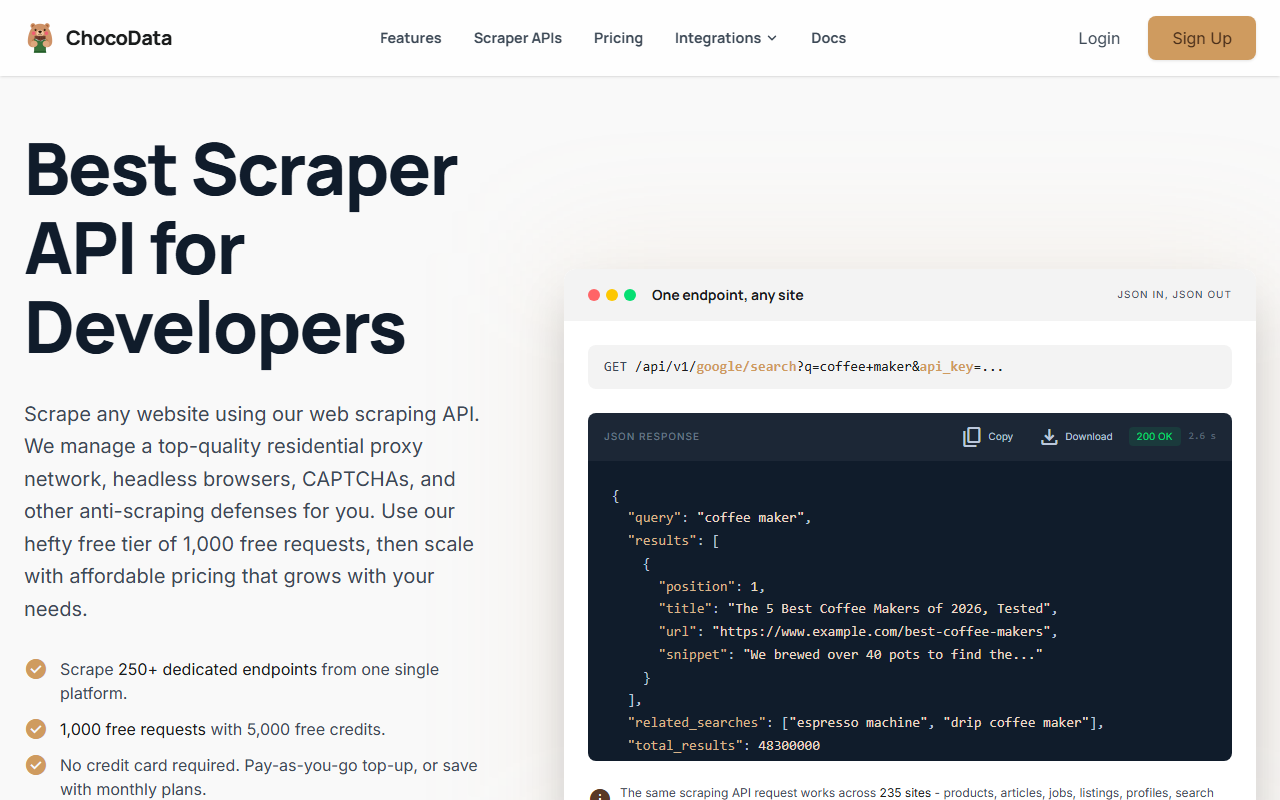
ChocoData is not a library, and that is the point. The open-source tools below are excellent at fetching and parsing; they leave you to run proxies, browsers, and CAPTCHA handling yourself. ChocoData is the managed layer that does that part, and it has a real free tier, so it belongs at the top of any honest list aimed at people who would otherwise spend a week fighting blocks.
Pricing
ChocoData’s free plan is $0/mo with 1,000 requests (5,000 credits) and no card required, per its pricing page in mid-2026. Paid plans start at $19/mo (Vibe) for roughly 27,000 requests, then $49/mo (Pro) for about 82,000. Pay-as-you-go runs $0.90 per 1,000 successful requests. That entry point is low enough to treat ChocoData as a fallback inside an otherwise free open-source stack.
Standout features
Per ChocoData’s own pages, you get one universal endpoint that covers the open web plus 250+ dedicated endpoints returning validated, parity-checked structured JSON. Residential proxy rotation with country matching, automatic CAPTCHA and anti-bot handling, a multi-tier retry system, and JavaScript rendering are all built in. There are official SDKs for Python, Node.js and Go, plus a CLI and an MCP server, so it drops into the same scripts you would write around a library.
Best for
Reach for ChocoData when a target keeps blocking your Scrapy spider, or when you need clean JSON from a known site without writing a parser. Approximate performance, compiled from vendor figures and public sources and not first-hand, puts the median response near 2.6 seconds with a p95 around 6 seconds. A common pattern is Scrapy for orchestration and ChocoData for the specific requests that fail, so you keep the free library where it works and pay only where you must.
2. Scrapy
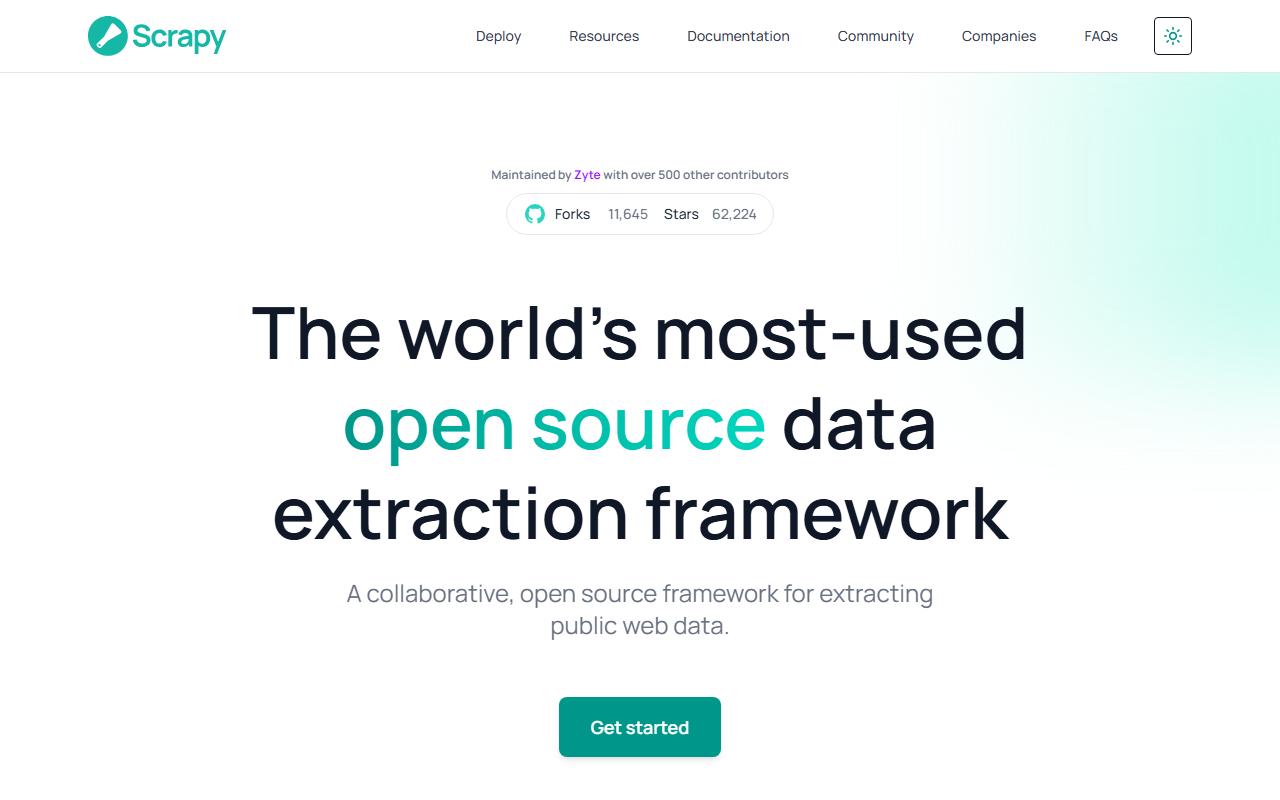
Scrapy is the most-used open source data extraction framework for Python, and the default answer when “open source web scraper” means crawling at scale rather than grabbing one page. It is a full framework, not a script: you scaffold a project with spiders, items, pipelines and settings, and it grows with the job.
Pricing
Free and BSD-licensed, per the Scrapy site in mid-2026, which makes it both open source and usable commercially at no cost. It is maintained by Zyte with 500+ contributors. There is no quota and no card; you supply the machine and the proxies.
Standout features
An asynchronous engine crawls many pages at once with built-in retry, throttling and caching. Selectors support both CSS and XPath, item pipelines validate and clean and store your data, and exporters write JSON, CSV, S3 and more. The interactive shell lets you test selectors before you commit them to code, and the middleware system is where you bolt on proxies and custom anti-bot logic.
Where it falls short
Scrapy speaks plain HTTP, so JavaScript-rendered pages need a plugin or an external browser; it does not render on its own. You also own the anti-blocking work entirely, which on defended sites becomes the bulk of the effort. Pair it with the Scrapy guide to get the project structure right the first time.
3. Playwright
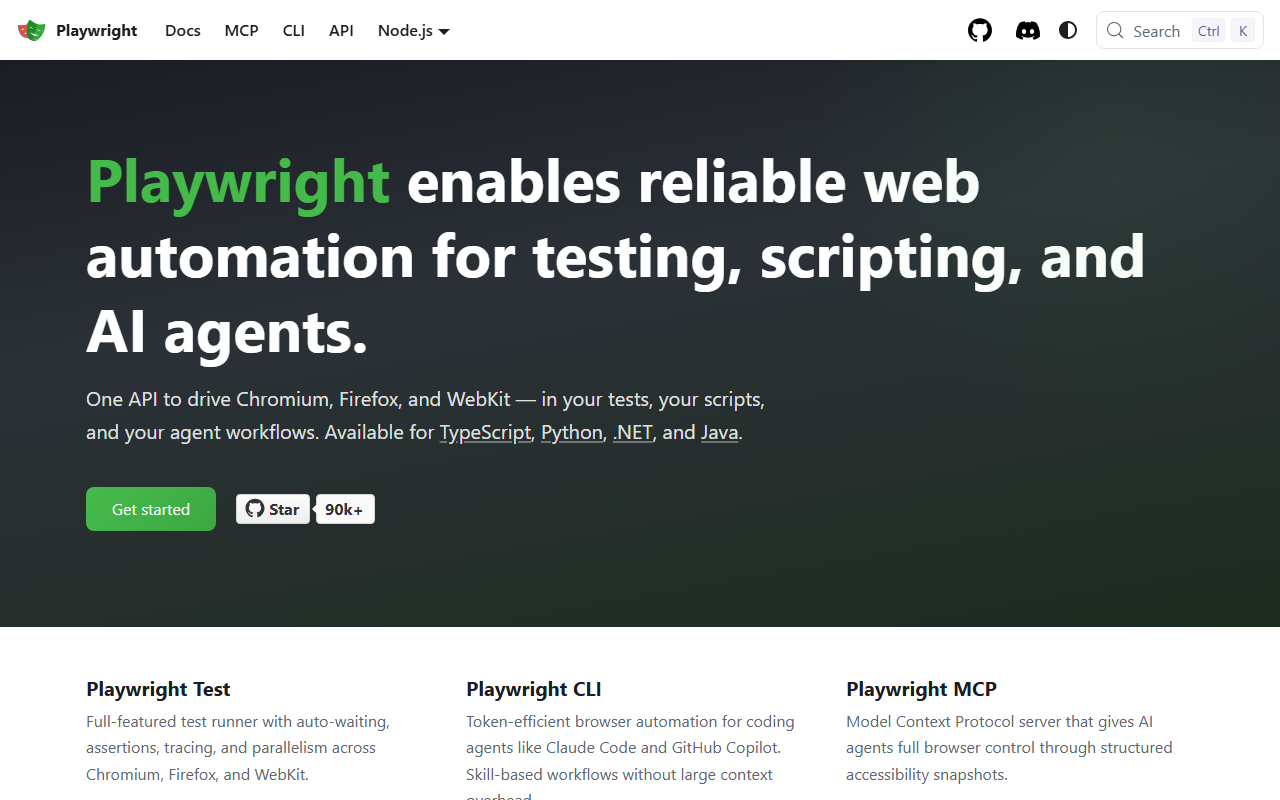
Playwright is the browser-automation framework I reach for when a page only renders its data after JavaScript runs. Maintained by Microsoft, it gives one API across three browser engines and four languages, which is why it has largely become the modern default for dynamic pages.
Pricing
Free and open source under the Apache 2.0 license. It runs locally in headless or headed mode on Linux, macOS and Windows, with no quota and no account. The only cost is the compute to run real browsers, which is heavier than plain HTTP requests.
Standout features
Playwright drives Chromium, Firefox and WebKit through one unified API, available in TypeScript, Python, .NET and Java. Auto-waiting and assertion retries cut the flakiness that plagues browser scripts, browser-context isolation keeps sessions clean, and the accessibility-tree snapshots are useful for AI-agent workflows. Code generation and tracing make it fast to build and debug a scraper.
Best for
Use Playwright for single-page apps, infinite scroll, and any site that builds content client-side. It clears basic bot checks because it is a genuine browser, though you still add proxies and stealth for harder targets. For working setup code, the Python scraping guide covers a browser-driven flow.
4. Beautiful Soup
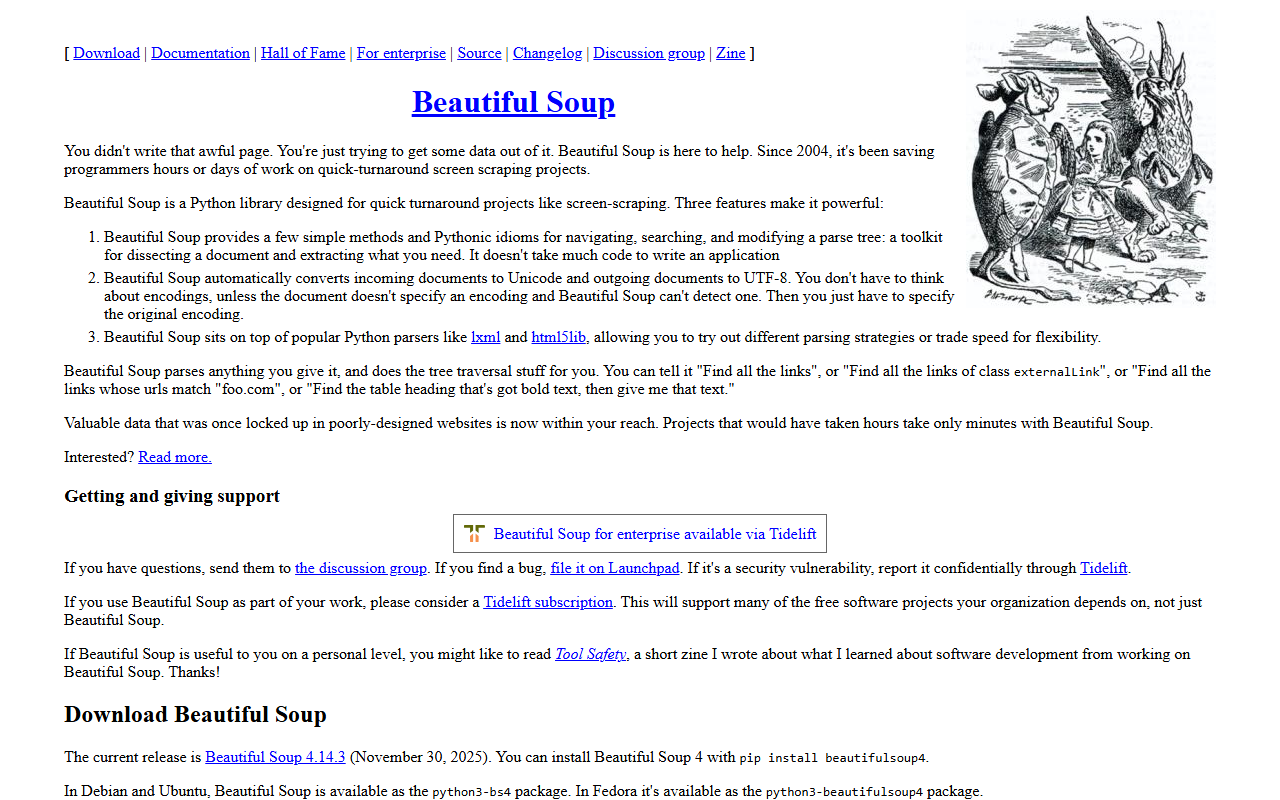
Beautiful Soup is the gentlest entry point in open source web scraping: a Python library that turns messy HTML into navigable objects in a few lines. It does one job, parsing, and does it so well that it is in nearly every Python scraper tutorial ever written.
Pricing
Free and MIT-licensed, per the project page. The current version is 4.x and it requires Python 3.7 or newer. Install it with pip or your OS package manager; there is no quota, no account, nothing to pay.
Standout features
It parses poorly-formed HTML and XML gracefully, converts incoming documents to Unicode automatically, and sits on top of parsers like lxml and html5lib so you choose speed or leniency. Navigating, searching and modifying the parse tree is straightforward, which makes it ideal for extracting values once you already have the page.
Where it falls short
Beautiful Soup does not fetch pages and does not run JavaScript, so you pair it with Requests for static sites or a browser for dynamic ones. It is a parser, not a crawler, so for large multi-page jobs you wrap it in something like Scrapy. The Beautiful Soup guide shows the Requests-plus-Beautiful-Soup pattern end to end.
5. Selenium
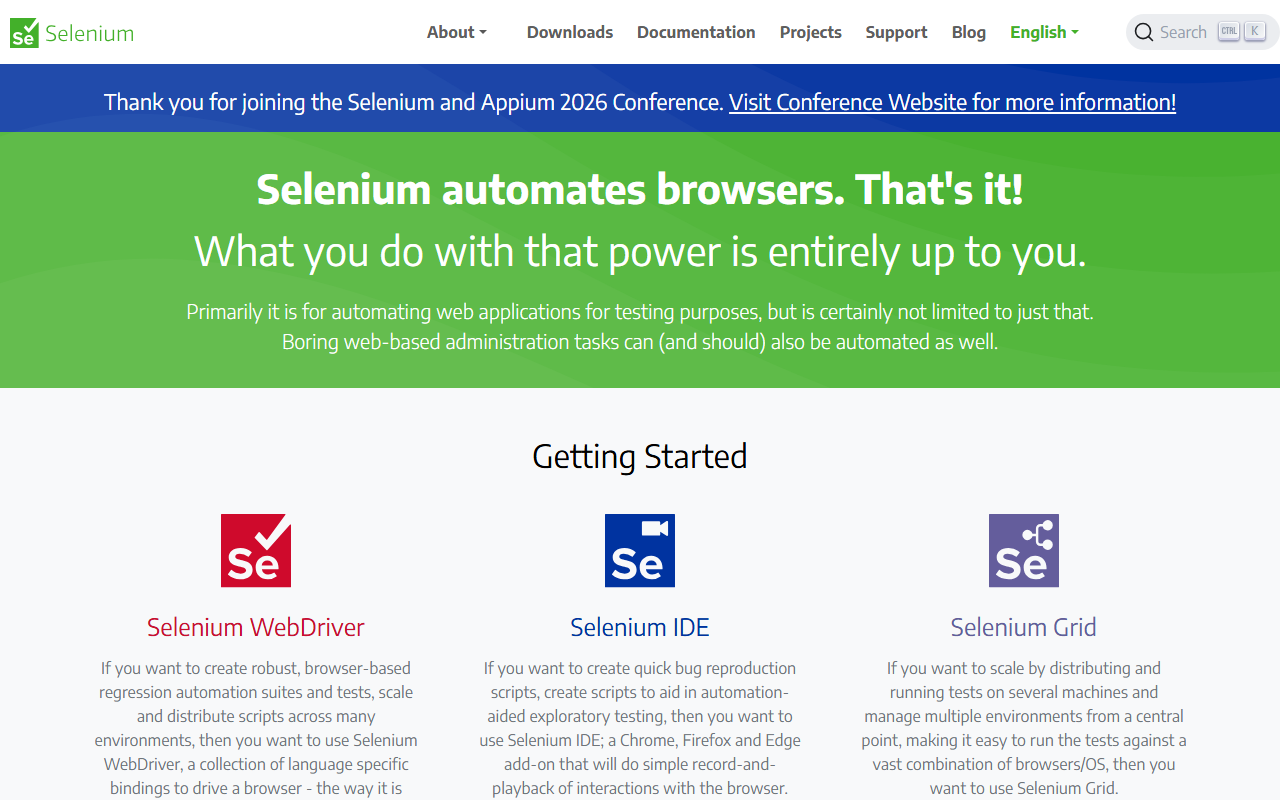
Selenium is the long-standing browser automation project, and still the right pick when your team works across several languages or you already have Selenium infrastructure. “Selenium automates browsers. That’s it,” as the project puts it, and that breadth is its strength.
Pricing
Free and open source, maintained by the Software Freedom Conservancy under the Apache 2.0 license. WebDriver bindings exist for many languages, and like the other libraries it runs on your own hardware with no quota.
Standout features
Selenium WebDriver controls real browsers through language-specific bindings across Java, Python, C#, JavaScript, Ruby and more. Selenium Grid distributes runs across many machines and browser/OS combinations from a central hub, which matters when you scale browser-based scraping horizontally. Selenium IDE adds record-and-playback for quick prototypes.
Where it falls short
Selenium is older than Playwright and Puppeteer, and its API is more verbose, with manual waits that cause flaky scripts if you skip them. It is heavier to set up than the newer browser tools. If you have no existing investment, Playwright is usually the smoother start; choose Selenium for its language breadth, Grid, or an existing codebase. See the Selenium scraping guide for a clean setup.
6. Puppeteer
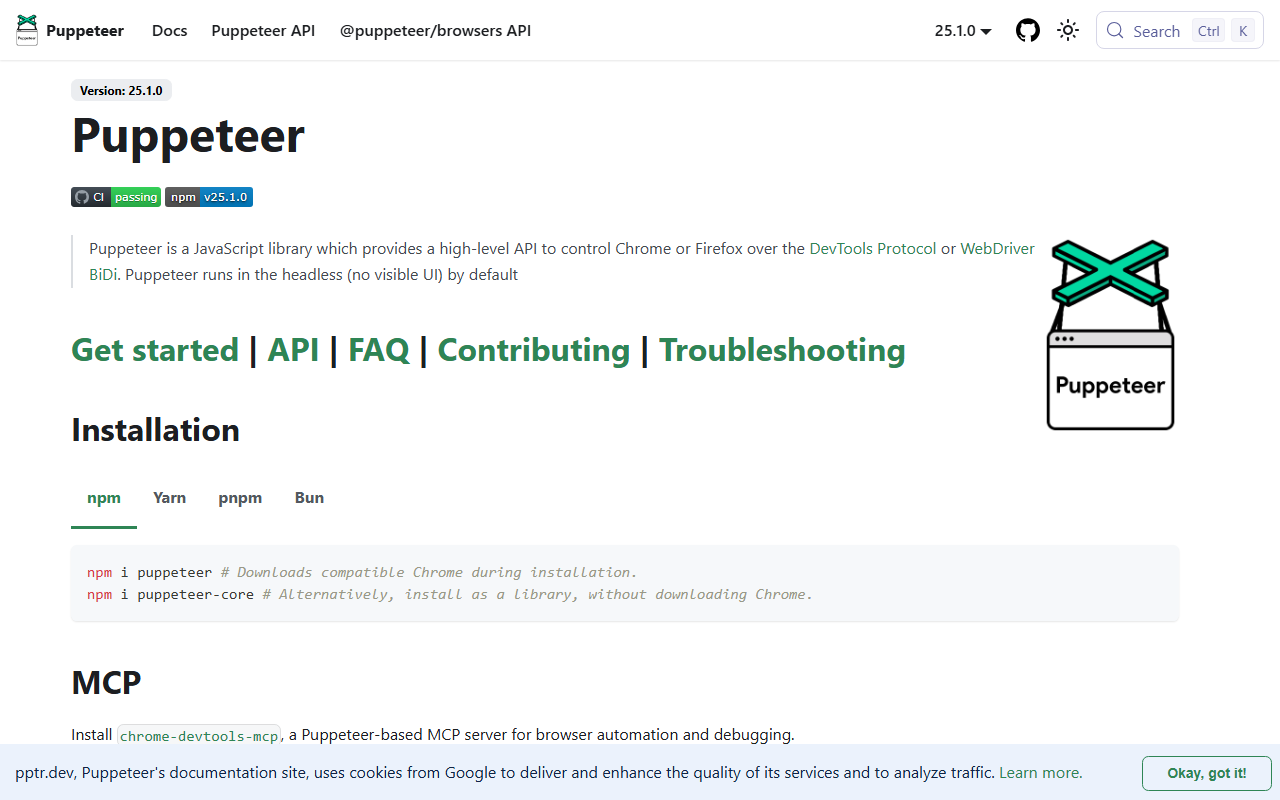
Puppeteer is the Node.js answer for driving Chrome, and the natural fit if your stack is already JavaScript. Maintained by Google, it offers a high-level API over the DevTools Protocol and runs headless by default.
Pricing
Free and open source under the Apache 2.0 license, maintained by Google on GitHub. Install puppeteer to auto-download a compatible browser, or puppeteer-core to use a browser you already have. No quota, no account, local execution.
Standout features
It provides a high-level browser-automation API for Chrome, Chromium and Firefox, with support for both the DevTools Protocol and WebDriver BiDi. Headless operation is the default, locator-based interactions and page navigation are clean, and it is available through npm, Yarn, pnpm and Bun. For JavaScript developers it is the lowest-friction way to render and scrape dynamic pages.
Best for
Choose Puppeteer when you write Node.js and target Chrome-rendered content. Its main limit is scope: it centers on Chromium with newer Firefox support, so for true cross-browser or cross-language work, Playwright or Selenium reach wider. As a pure browser tool it leaves proxy rotation and anti-bot stealth to you.
7. Crawlee
Crawlee is the newest entry here, and the one that bakes anti-blocking into the framework rather than leaving it as homework. Maintained by Apify, it ships for both Node.js and Python with the tagline “build reliable crawlers, fast.”
Pricing
Free and open source under the Apache 2.0 license, for both crawlee.dev/js and crawlee.dev/python. It runs on your own infrastructure with no quota, and deploys to the Apify platform if you later want managed hosting.
Standout features
Crawlee offers multiple crawler types in one library: HttpCrawler and CheerioCrawler for lightweight HTML, PlaywrightCrawler and PuppeteerCrawler for JavaScript-rendered pages, plus JSDOM and LinkeDOM options. What sets it apart is built-in proxy management with tiered proxies, session management, and fingerprint generation, the anti-blocking pieces you would otherwise wire up by hand around Scrapy or Puppeteer.
Best for
Reach for Crawlee when you want one framework that crawls, switches between HTTP and browser modes, and handles fingerprints and sessions out of the box. It is a strong middle ground between a bare library and a managed API. The trade-off is that you still run and pay for any proxies yourself; the framework manages them but does not supply them.
How to choose the right one
Pick by what your target throws at you and what language you write. The libraries are free, so the real decision is how much infrastructure you are willing to maintain.
| Your situation | Best pick | Why |
|---|---|---|
| Static or simple HTML, Python | Beautiful Soup + Requests | Fewest moving parts, parses in a few lines |
| Large crawl, pipelines, scale | Scrapy | Async engine, retries, throttling, exporters built in |
| JavaScript-heavy pages | Playwright | Real browser, three engines, modern API |
| Node.js stack, Chrome target | Puppeteer | Lowest-friction browser control in JavaScript |
| Cross-language team or existing Grid | Selenium | Widest language support, distributed runs |
| Want anti-blocking built in | Crawlee | Proxy tiers, sessions, fingerprints in the framework |
| Blocks and CAPTCHAs eating your time | ChocoData | Managed proxies and anti-bot, free tier, structured JSON |
A practical hybrid covers most teams: use a free library where the target is easy, and call a managed API for the requests that keep getting blocked. That keeps your costs near zero while capping the time you lose to anti-bot walls.
How we evaluated these
I selected these seven on real-world use across my own pipelines, then verified each library’s license, language support and feature set against its official site or docs, and pulled ChocoData’s pricing and capabilities from its own pages. Performance numbers are approximate, compiled from vendor-published figures and aggregated public sources, not first-hand; my independent, like-for-like benchmarks are still in progress, with the methodology at how we test. Pricing and free-tier details are current as of mid-2026 and can change, so confirm the latest at each vendor before you commit.
FAQ
It depends on the page. For large crawls with pipelines and built-in concurrency, Scrapy is the standard answer and it is BSD-licensed per its own site in mid-2026. For JavaScript-heavy pages that need a real browser, Playwright drives Chromium, Firefox and WebKit. For pulling values out of HTML you already have, Beautiful Soup is the simplest. Many real projects use two of these together: Scrapy to crawl, Beautiful Soup or Playwright to extract.
Yes. Scrapy (BSD), Beautiful Soup (MIT), Playwright (Apache 2.0), Selenium and Puppeteer are all free and open source, with no quota and no card, because they run on your own hardware. The cost is indirect: you supply proxies, manage a browser fleet, and maintain the anti-bot logic yourself. On easy targets that cost is near zero; on defended sites it grows fast, which is when a managed API free tier starts to pay for itself.
Not by default. Beautiful Soup and Scrapy send plain HTTP requests, so a site that checks for JavaScript or browser fingerprints will block them. Playwright, Selenium and Puppeteer run a real browser, which clears the basic checks, but you still add proxies and stealth patches yourself for harder targets. Crawlee ships fingerprint and session tooling to help. For the blocking problem specifically, see the guide on scraping without getting blocked.
Use a library when the target is easy, you want full control, and you have the time to maintain it. Reach for a managed API like ChocoData when proxies, CAPTCHAs and JS rendering are eating your week, or when you need structured JSON from a known site fast. The two are not mutually exclusive: a common setup is Scrapy for orchestration with an API call for the requests that keep getting blocked.